> ## Documentation Index
> Fetch the complete documentation index at: https://docs.xano.com/llms.txt
> Use this file to discover all available pages before exploring further.
# Using OpenTelemetry with AI Agents
> Learn how to integrate OpenTelemetry with AI agents for enhanced observability and monitoring.
## What is OpenTelemetry?
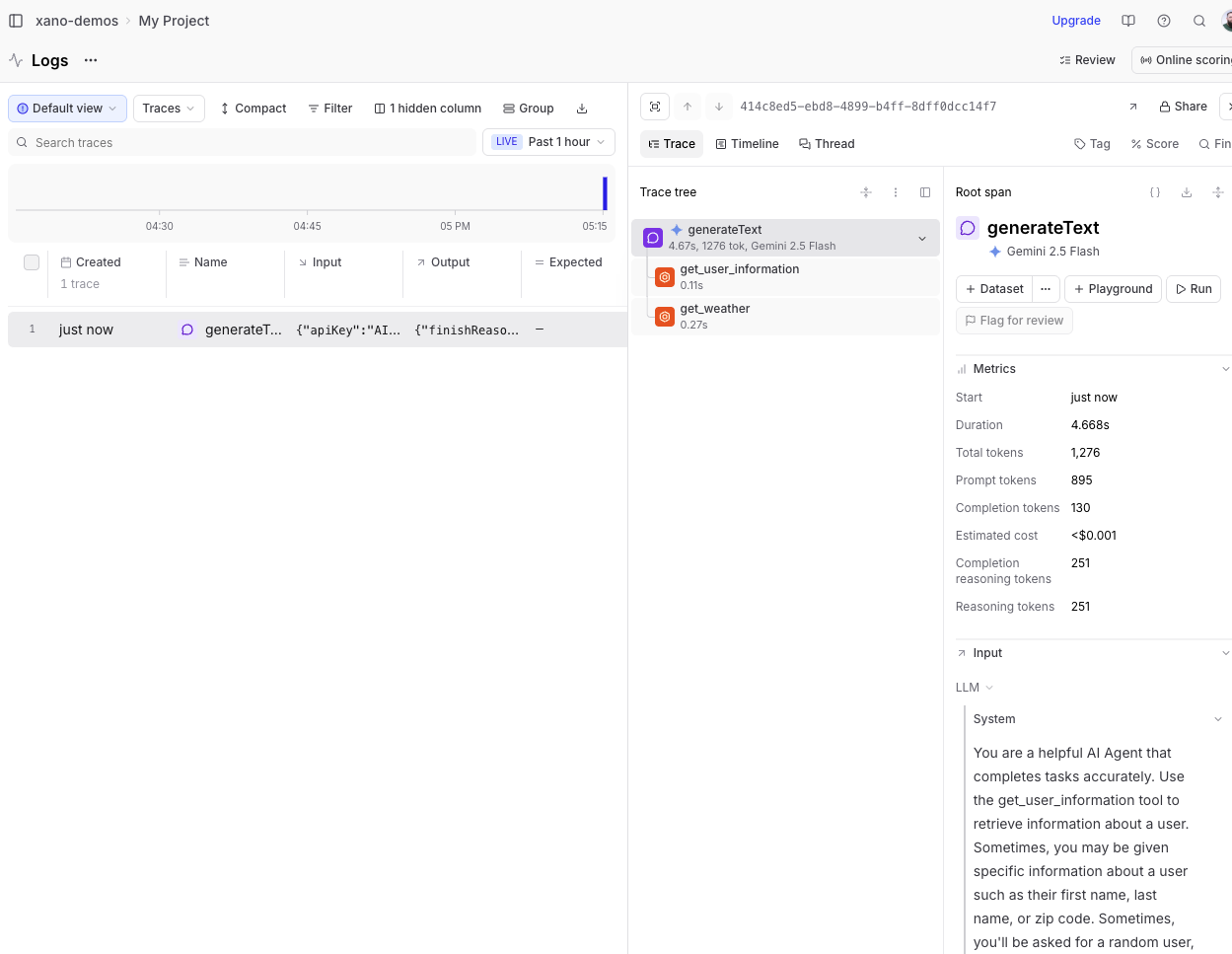
Connect Xano agents to platforms like Langfuse, LangChain, or Braintrust to make your agent runs easier to understand and improve. After you add your API key, Xano will automatically send agent activity to your chosen tool so you can view run history, trace what happened step-by-step, spot failures or slowdowns, and iterate on prompts and workflows with more confidence.
## Which platforms are supported?
* [Langfuse](https://www.langfuse.com/)
* [LangChain](https://langchain.com/)
* [Braintrust](https://www.braintrust.dev/)
## Which one should I use?
The best choice is simply the one that fits how your team already builds and improves agents. If you’re already using one of these tools, start there. If not, pick the platform whose UI and workflow feel most natural for how you want to review runs, debug issues, and track improvements. And because the setup is just an API key, you can try one, see how it feels, and switch later in Xano with just a couple of clicks.
## Setting up the Integration
### Langfuse
[Langfuse](https://www.langfuse.com/) is an open-source observability platform designed specifically for AI applications. It provides tools to monitor, trace, and analyze the performance of AI agents, making it easier to identify bottlenecks and optimize their behavior.
In Langfuse, create an organization.
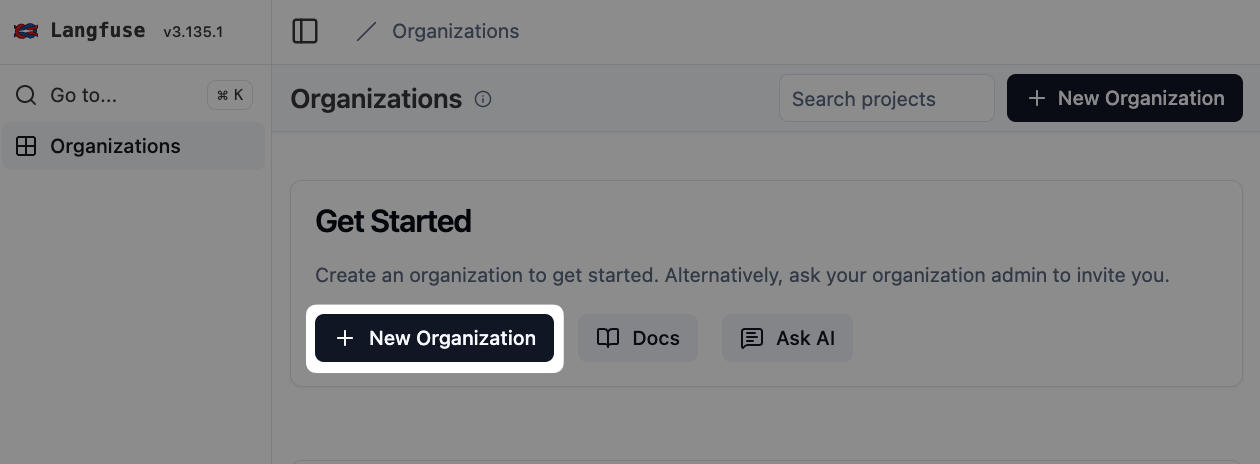 Create a new project within your organization.
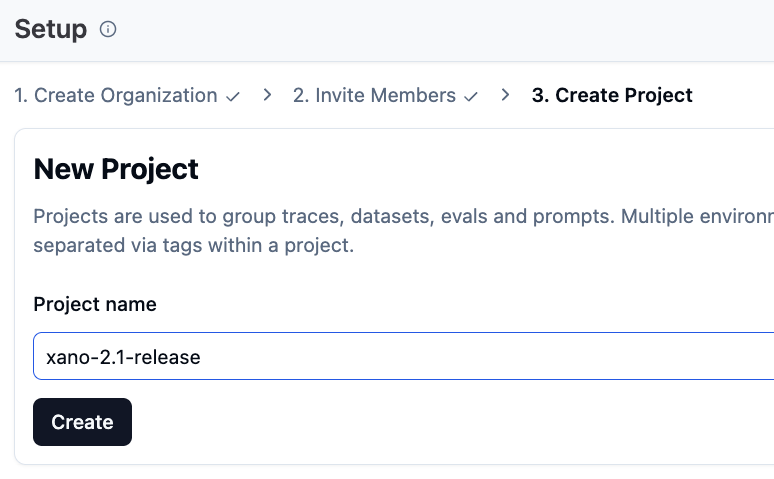 From your project settings, click on "API Keys" -> "Create new API keys". The API keys created can only be viewed once, so make sure to copy them somewhere safe if you want to refer to them later.
In Xano, head to your agent, and click Setup OpenTelemetry Integration under the "Details" tab.
From your project settings, click on "API Keys" -> "Create new API keys". The API keys created can only be viewed once, so make sure to copy them somewhere safe if you want to refer to them later.
In Xano, head to your agent, and click Setup OpenTelemetry Integration under the "Details" tab.
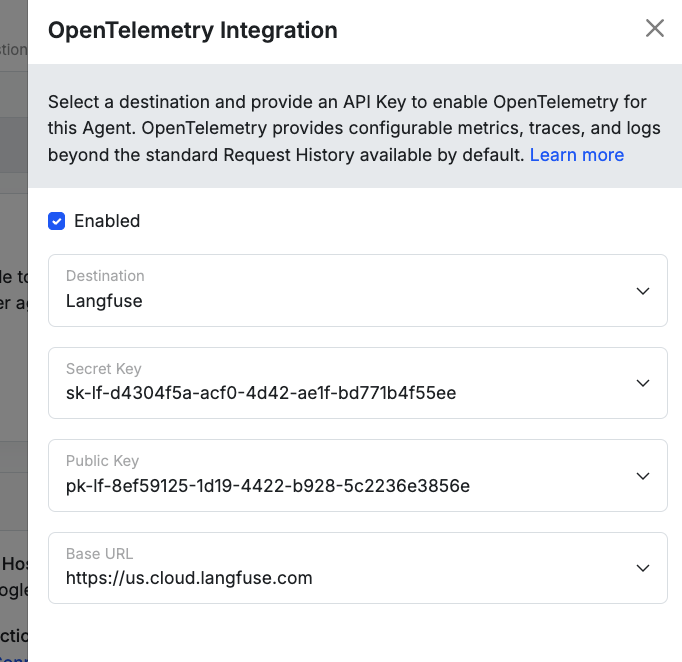
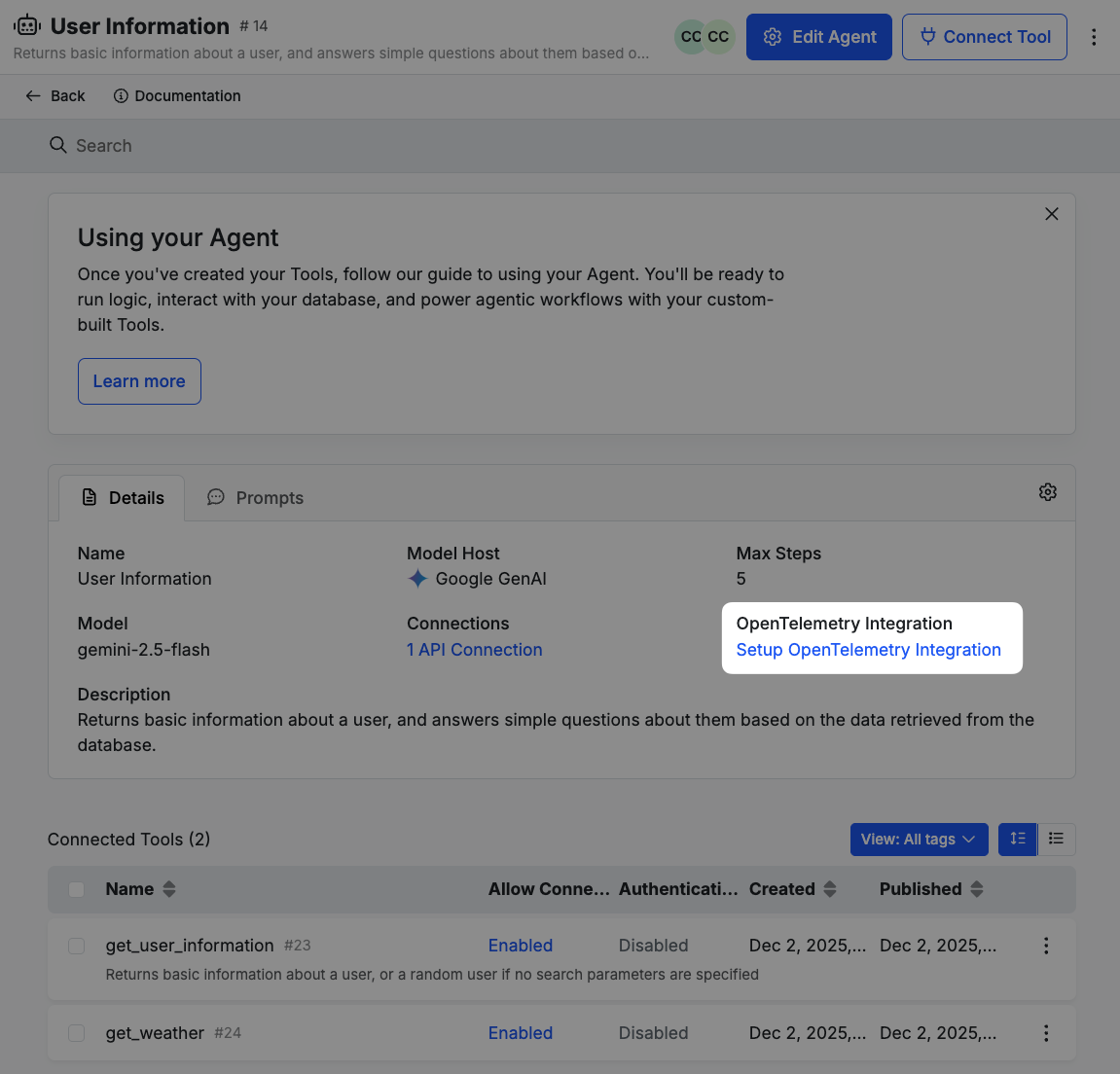 Check the Enable box, and fill in your secret key, public key, and base URL from Langfuse.
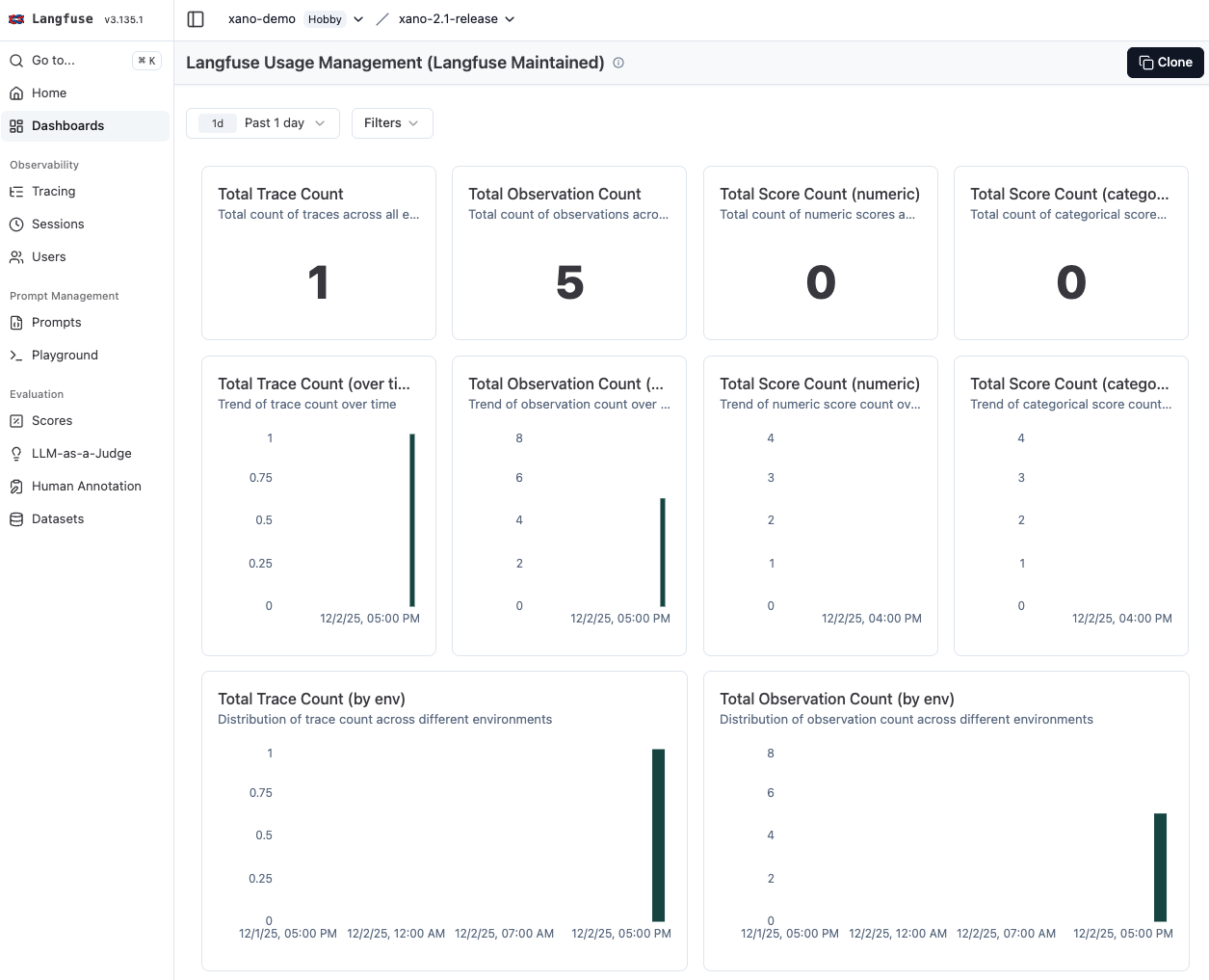
 For future executions of your agent, you'll see metrics and traces being sent to Langfuse, where you can analyze them in detail.
 ### LangChain
[LangChain](https://langchain.com/) is a popular framework for building AI applications. It provides built-in support for OpenTelemetry, allowing developers to easily instrument their AI agents for observability.
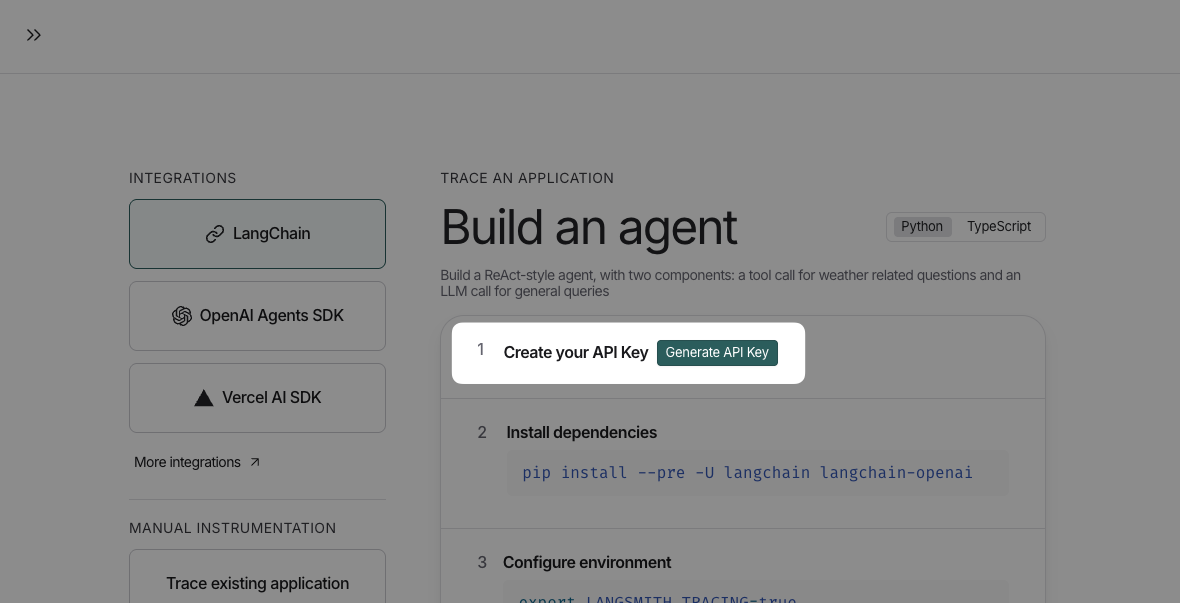
Create a new project in LangChain, and generate an API key.
### LangChain
[LangChain](https://langchain.com/) is a popular framework for building AI applications. It provides built-in support for OpenTelemetry, allowing developers to easily instrument their AI agents for observability.
Create a new project in LangChain, and generate an API key.
 In Xano, head to your agent, and click Setup OpenTelemetry Integration under the "Details" tab.
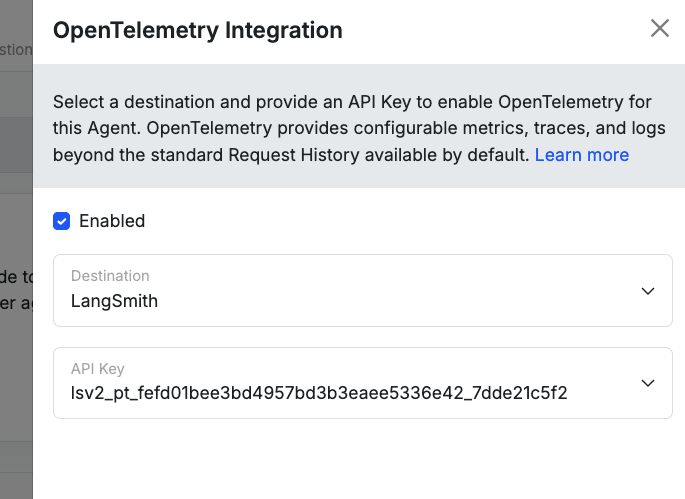
Check the Enable box, and fill in your API key from LangChain.
In Xano, head to your agent, and click Setup OpenTelemetry Integration under the "Details" tab.
Check the Enable box, and fill in your API key from LangChain.
 For future executions of your agent, you'll see metrics and traces being sent to LangChain, where you can analyze them in detail.
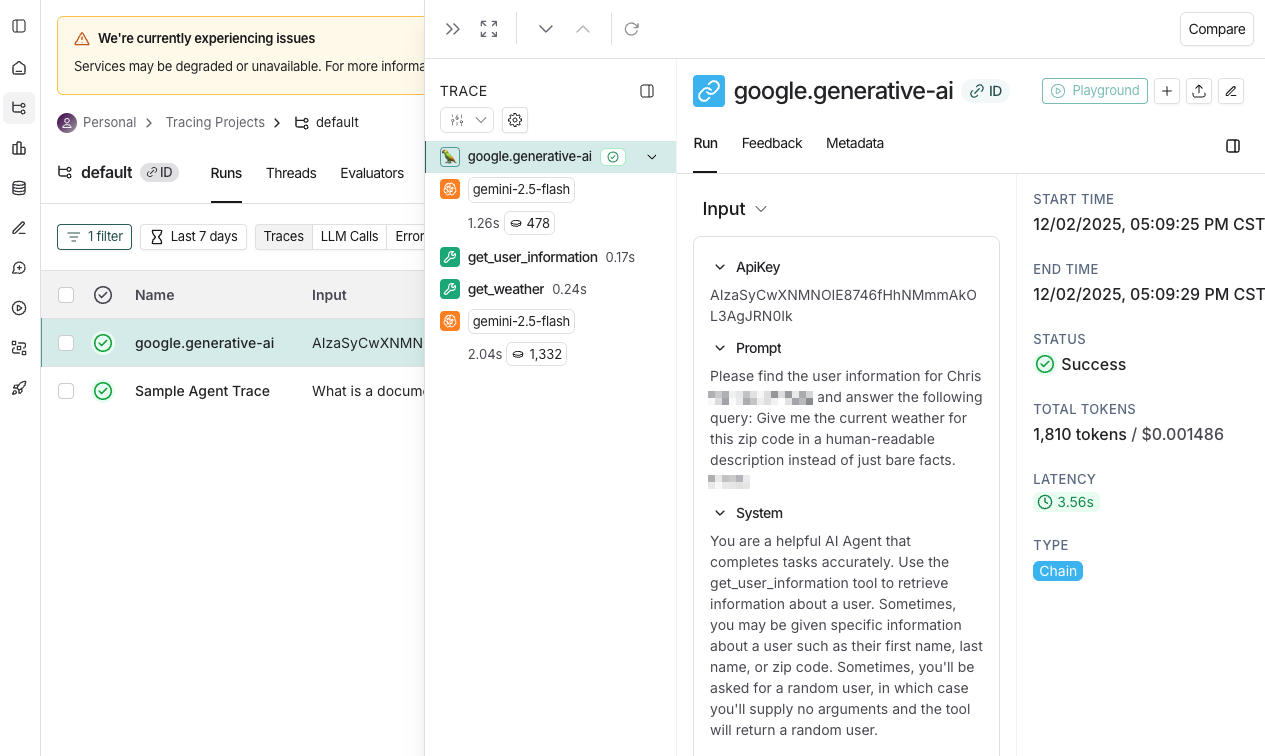 ### Braintrust
[Braintrust](https://www.braintrust.dev/) is another observability platform that supports OpenTelemetry for AI applications. It offers features like real-time monitoring, tracing, and alerting to help developers maintain the performance of their AI agents.
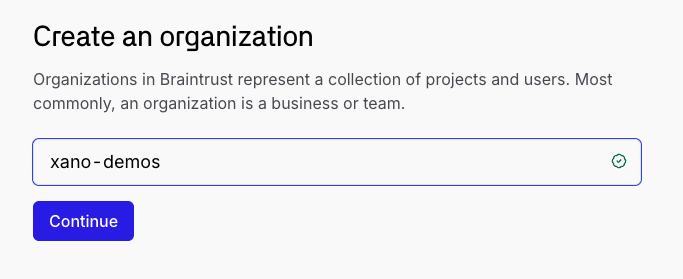
In Braintrust, create a new organization.
### Braintrust
[Braintrust](https://www.braintrust.dev/) is another observability platform that supports OpenTelemetry for AI applications. It offers features like real-time monitoring, tracing, and alerting to help developers maintain the performance of their AI agents.
In Braintrust, create a new organization.
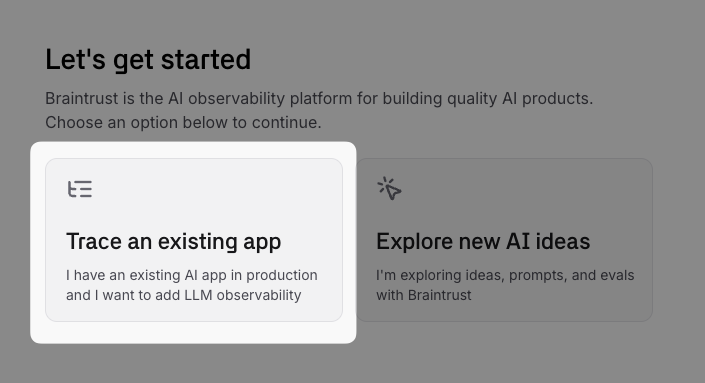
 Choose **Trace an existing app**
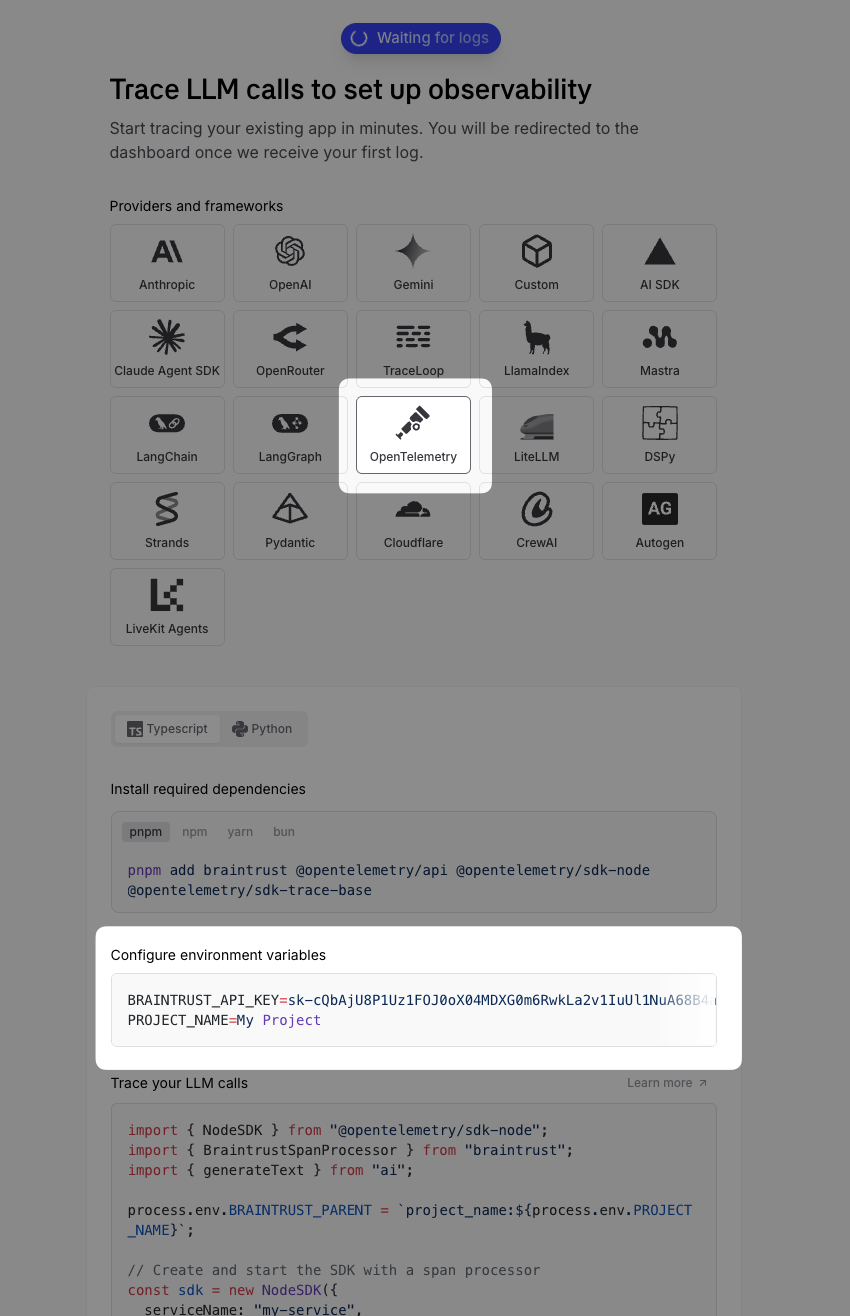
 Choose **OpenTelemetry** as your integration method and copy your API key.
 In Xano, head to your agent, and click Setup OpenTelemetry Integration under the "Details" tab.
Select **Braintrust** from the dropdown, and fill in your API key and project name.
In Xano, head to your agent, and click Setup OpenTelemetry Integration under the "Details" tab.
Select **Braintrust** from the dropdown, and fill in your API key and project name.
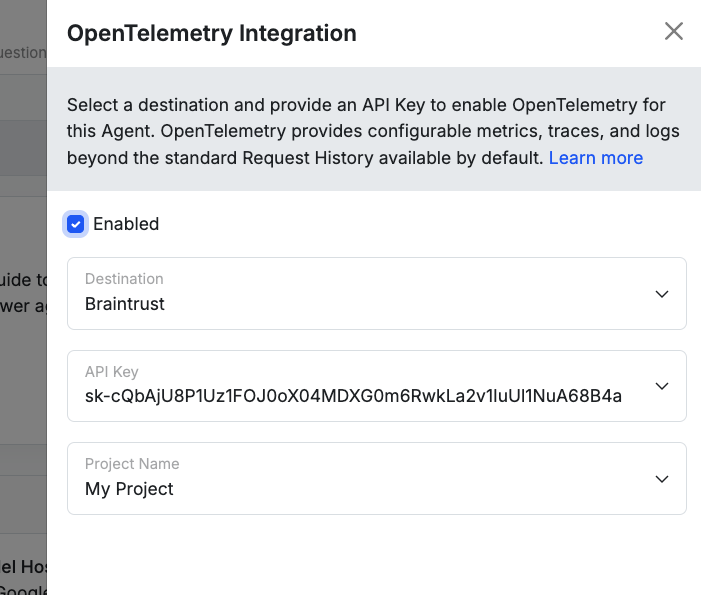 For future executions of your agent, you'll see metrics and traces being sent to Braintrust, where you can analyze them in detail.