> ## Documentation Index
> Fetch the complete documentation index at: https://docs.xano.com/llms.txt
> Use this file to discover all available pages before exploring further.

# Getting Started Assistant

> Learn how to use the Getting Started Assistant to build your Xano workspace

The Getting Started Assistant is a tool that helps you build your Xano workspace by generating a database, tables, user authentication, and even basic API endpoints that you can use right away. With just a prompt, you can go from idea to a fully functional CRUD backend in just minutes.

## Using the Assistant

You can access the Getting Started Assistant every time you create a new workspace.
<Steps>
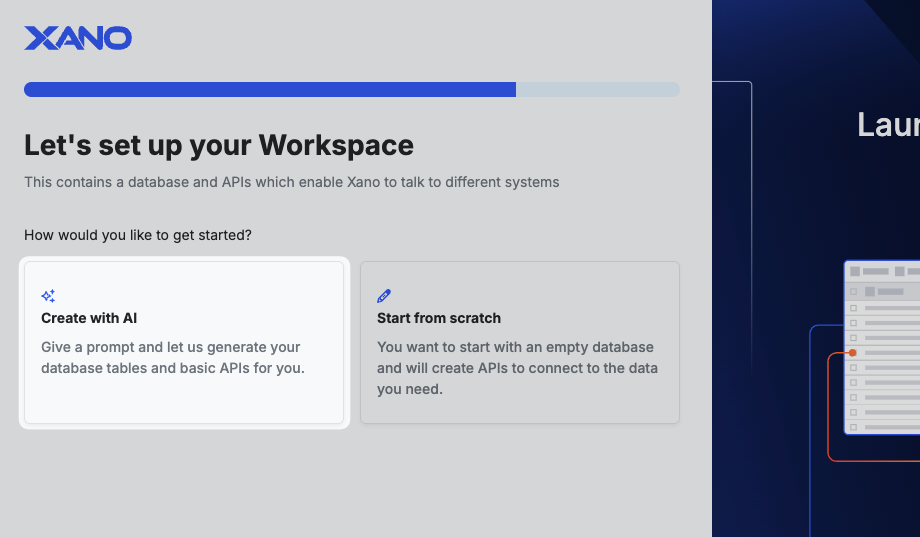
  <Step title="Choose what you'd like to do">
    <Frame caption="Choosing your use case when creating a workspace">
      <img src="https://mintcdn.com/xano-997cb9ee/GK7krl3WPzHY1W81/images/getting-started-assistant-20251010-153743.png?fit=max&auto=format&n=GK7krl3WPzHY1W81&q=85&s=9a1c26bceee61ef227a97777a0fb1333" alt="getting-started-assistant-20251010-153743" width="1427" height="1147" data-path="images/getting-started-assistant-20251010-153743.png" />
    </Frame>
  </Step>

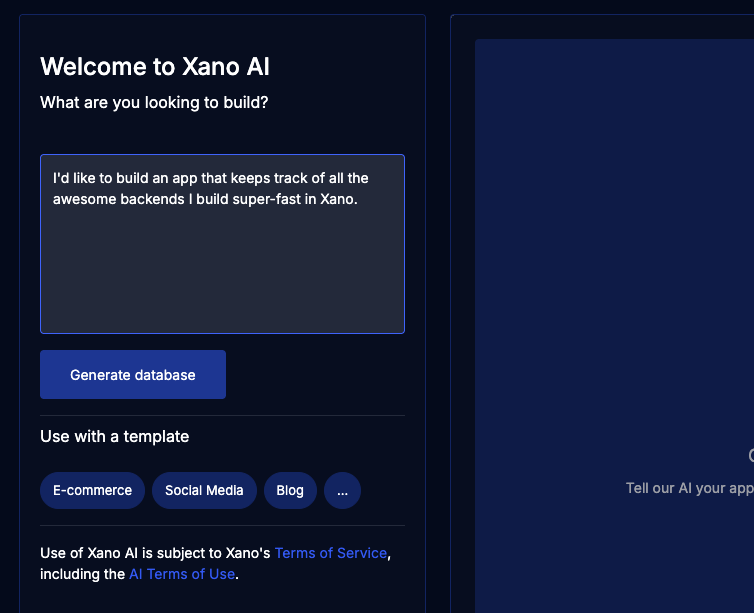
  <Step title="Invoking the Assistant">
    <Frame caption="Click **Create With AI** to start the assistant">
      <img src="https://mintcdn.com/xano-997cb9ee/GK7krl3WPzHY1W81/images/getting-started-assistant-20251010-153839.png?fit=max&auto=format&n=GK7krl3WPzHY1W81&q=85&s=673dc0cef3badee0b963bd33f0e30e6a" alt="getting-started-assistant-20251010-153839" width="920" height="537" data-path="images/getting-started-assistant-20251010-153839.png" />
    </Frame>
  </Step>

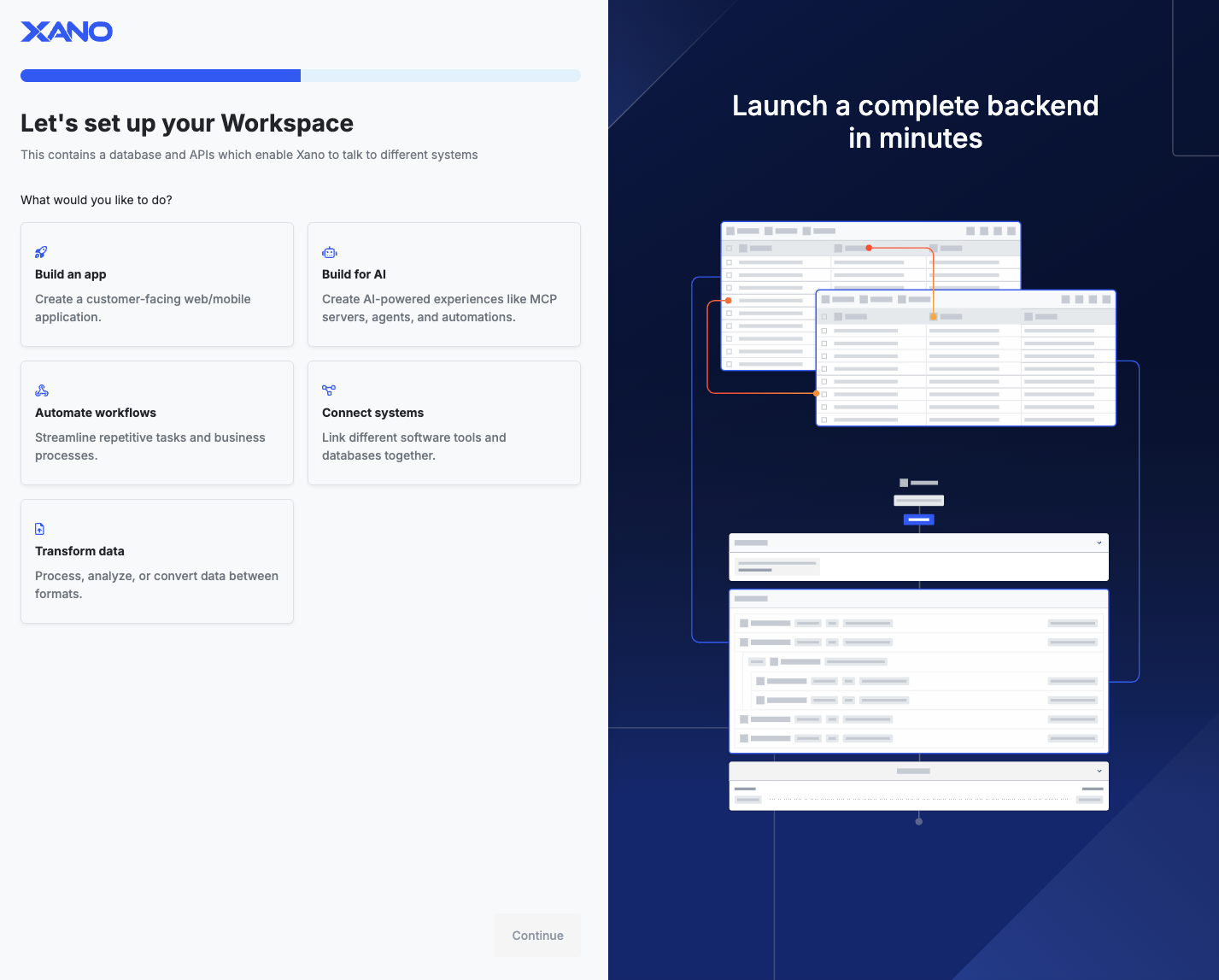
  <Step title="Tell the Assistant about your idea">
    <Frame caption="Tell the Assistant about your idea and click **Generate Database**">
      <img src="https://mintcdn.com/xano-997cb9ee/GK7krl3WPzHY1W81/images/getting-started-assistant-20251010-154003.png?fit=max&auto=format&n=GK7krl3WPzHY1W81&q=85&s=d1a9c9a8d1dd7fc273b44ffdf6c10228" alt="getting-started-assistant-20251010-154003" width="754" height="613" data-path="images/getting-started-assistant-20251010-154003.png" />
    </Frame>
  </Step>

  <Step title="Review and Iterate">
    Once the assistant has taken a first pass at your idea, you can continue to converse with it to iterate and expand, or correct missteps.
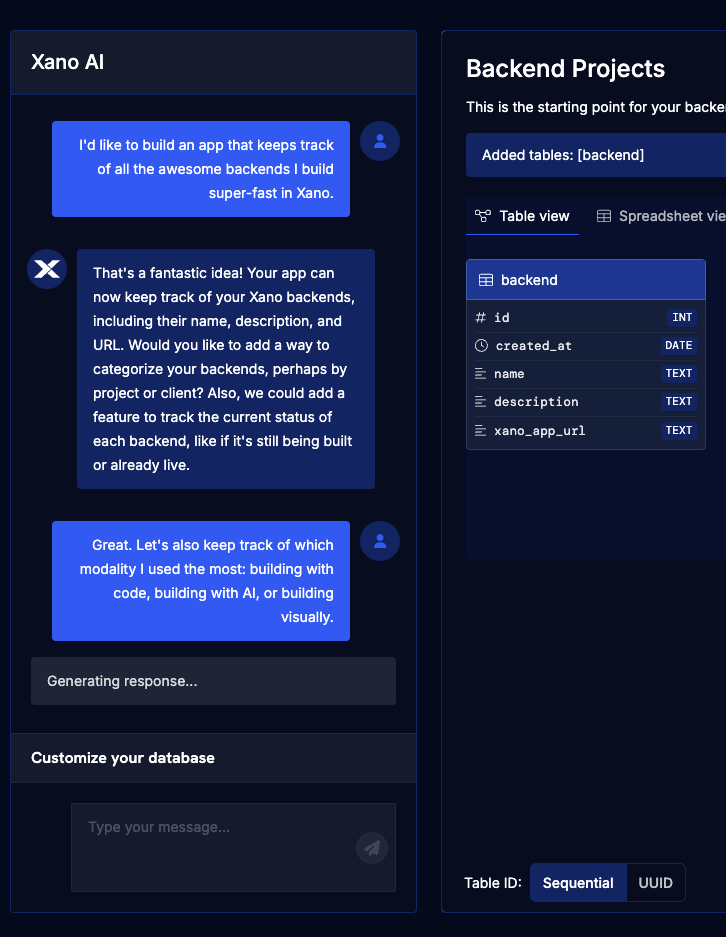
    <Frame caption="Conversing with the Assistant">
      <img src="https://mintcdn.com/xano-997cb9ee/GK7krl3WPzHY1W81/images/getting-started-assistant-20251010-154141.png?fit=max&auto=format&n=GK7krl3WPzHY1W81&q=85&s=408661ea2a1d6612f19e754d70e4c634" alt="getting-started-assistant-20251010-154141" width="726" height="937" data-path="images/getting-started-assistant-20251010-154141.png" />
    </Frame>
  </Step>
</Steps>

You can start over at any time by clicking the **Start Over** button at the bottom-right, next to the **Create** button. **Create** will finalize the new database.

<img src="https://mintcdn.com/xano-997cb9ee/GK7krl3WPzHY1W81/images/getting-started-assistant-20251010-154306.png?fit=max&auto=format&n=GK7krl3WPzHY1W81&q=85&s=0390590cd860e2ffe7a6d8d88d23adfd" alt="getting-started-assistant-20251010-154306" width="419" height="190" data-path="images/getting-started-assistant-20251010-154306.png" />

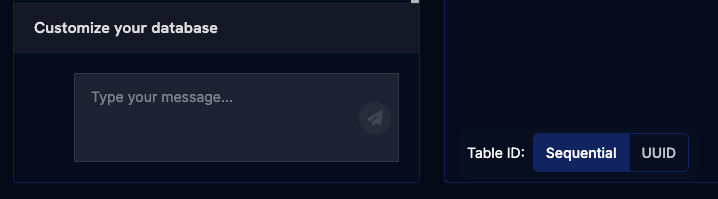
Tables will by default be created with a sequential ID (1, 2, 3, etc...) but you can change this to a UUID by using the selector to the right of the chat box.
<img src="https://mintcdn.com/xano-997cb9ee/GK7krl3WPzHY1W81/images/getting-started-assistant-20251010-154319.png?fit=max&auto=format&n=GK7krl3WPzHY1W81&q=85&s=793de120531fe168907e2aa026205805" alt="getting-started-assistant-20251010-154319" width="718" height="199" data-path="images/getting-started-assistant-20251010-154319.png" />

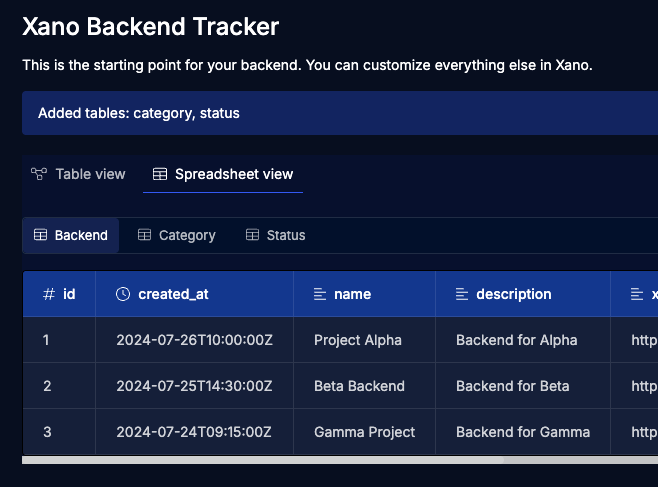
Switch between the Table view and the Spreadsheet view to see the schema, or sample records for each table created.
<img src="https://mintcdn.com/xano-997cb9ee/GK7krl3WPzHY1W81/images/getting-started-assistant-20251010-154352.png?fit=max&auto=format&n=GK7krl3WPzHY1W81&q=85&s=c5bd806a2ae7b611cd54f3f2d3418a96" alt="getting-started-assistant-20251010-154352" width="658" height="487" data-path="images/getting-started-assistant-20251010-154352.png" />

## What's next?