> ## Documentation Index
> Fetch the complete documentation index at: https://docs.xano.com/llms.txt
> Use this file to discover all available pages before exploring further.
# Inputs
> Data that is supplied to the logic before execution
Inputs are the data that is supplied to the primitive *outside of Xano* that it needs to run. For example, an API used to log in would probably need an email and a password.
There are several different types of inputs you can use to handle any data type. You can also make inputs optional, required, lists, or apply filters to transform them or require them to meet certain criteria.
### Adding an Input
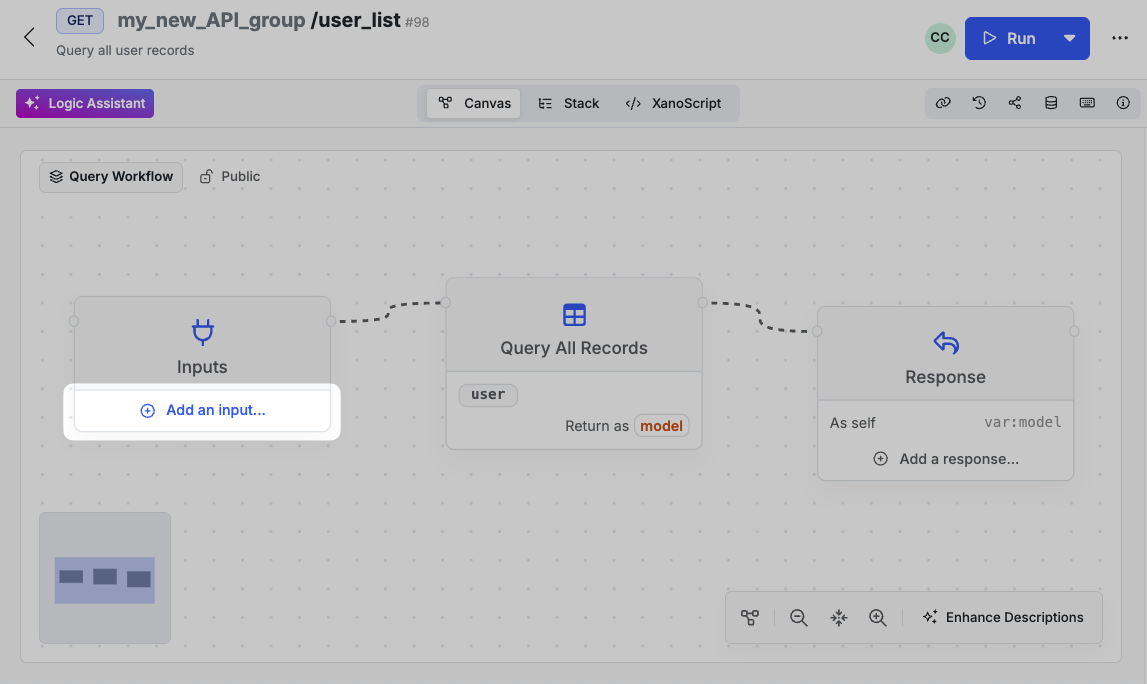
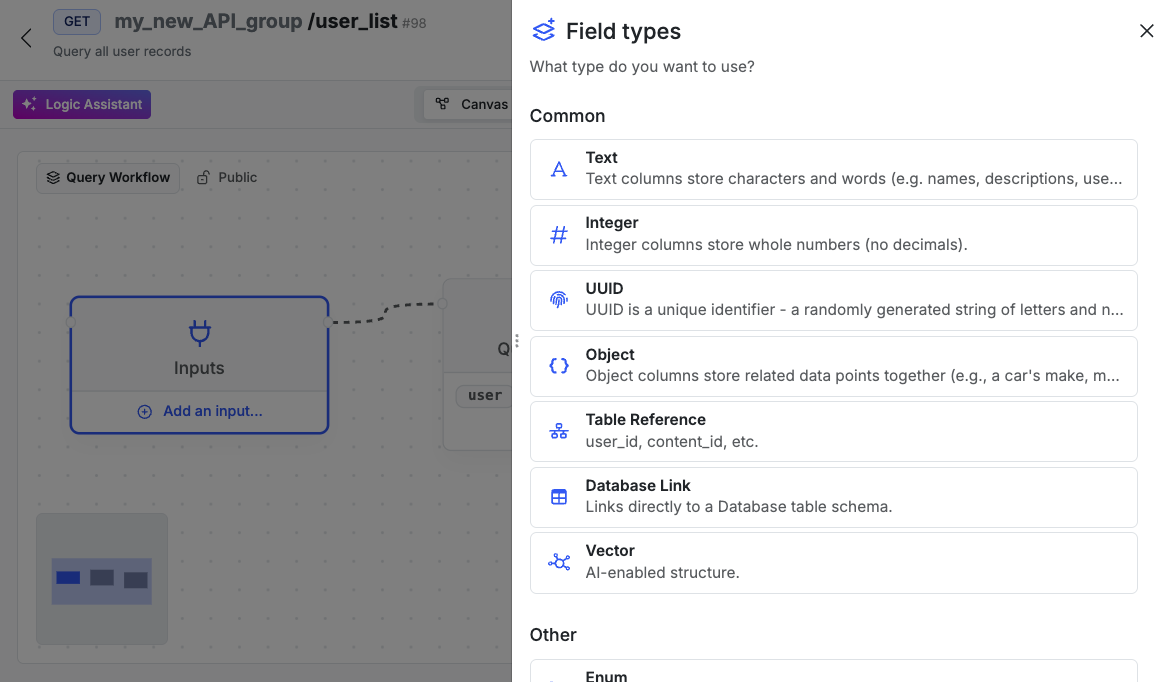
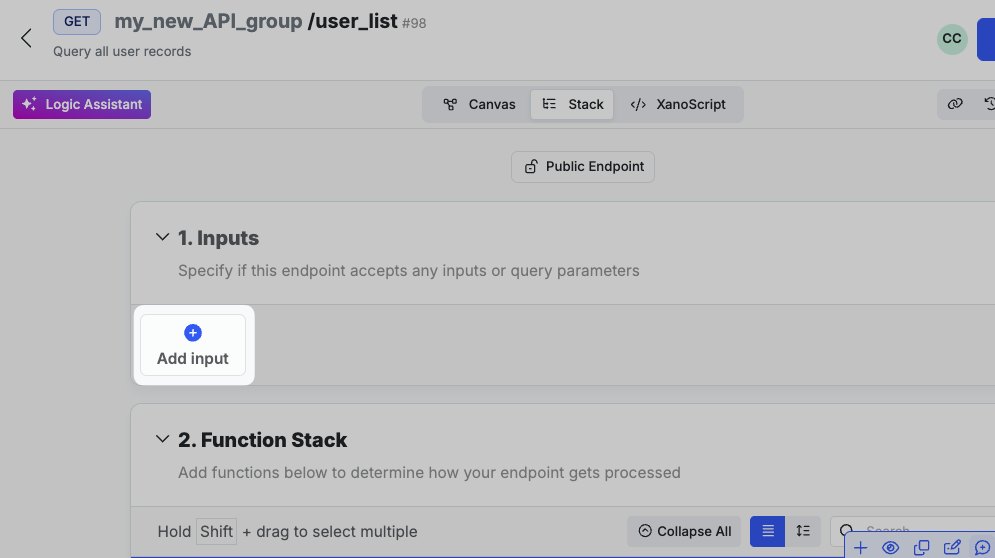
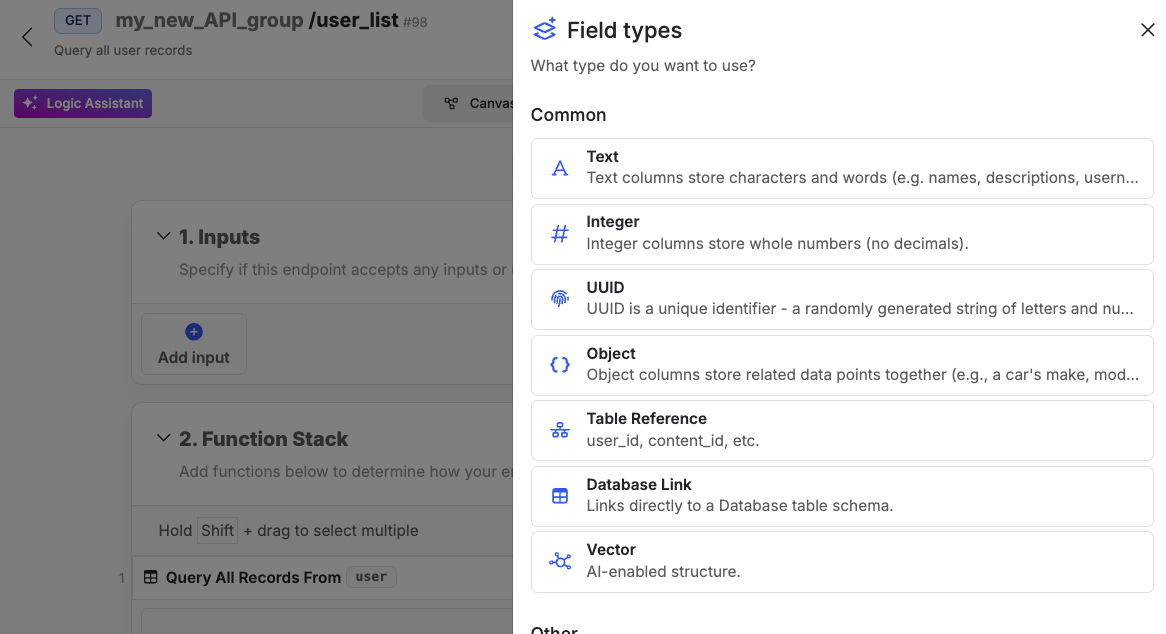 Inputs are defined in the `input` block, placed immediately after the declaration and accompanying parameters, such as the description.
```javascript lines icon="code" Example of the input block and positioning theme={null}
query user_list verb=GET {
description = "Query all user records"
input {
text name? filters=trim
}
...
}
```
Each input will have a different set of options depending on the input type chosen. Keep reading to see more information about all of the available input types and available options.
### Input Options
| Option | Explanation | Example |
| ------------------------ | --------------------------------------------- | ---------------------------------------------------------- |
| Description | A short, human-readable summary of the input. | For an `email` field: “The user’s email address.” |
| Data structure | Single value or list of values. | Set to `list` to allow multiple values. |
| Allow nullable values | Whether the input can be `null`. | Set to `true` to allow `null`. |
| Default value | Value used if input isn’t provided. | Useful for optional fields that still need a stored value. |
| Required | Whether the input must be provided. | Set to `true` to make the field mandatory. |
| Sensitive data | Whether the field contains sensitive info. | Set to `true` to hide it from request history. |
| Custom rules and filters | Filters and validation applied to the input. | e.g. `trim` to remove whitespace. |
## Filters and Rules
With your input selected, scroll down to the Custom Rules and Filters section, and choose **+ Add an Input Rule**.
Inputs are defined in the `input` block, placed immediately after the declaration and accompanying parameters, such as the description.
```javascript lines icon="code" Example of the input block and positioning theme={null}
query user_list verb=GET {
description = "Query all user records"
input {
text name? filters=trim
}
...
}
```
Each input will have a different set of options depending on the input type chosen. Keep reading to see more information about all of the available input types and available options.
### Input Options
| Option | Explanation | Example |
| ------------------------ | --------------------------------------------- | ---------------------------------------------------------- |
| Description | A short, human-readable summary of the input. | For an `email` field: “The user’s email address.” |
| Data structure | Single value or list of values. | Set to `list` to allow multiple values. |
| Allow nullable values | Whether the input can be `null`. | Set to `true` to allow `null`. |
| Default value | Value used if input isn’t provided. | Useful for optional fields that still need a stored value. |
| Required | Whether the input must be provided. | Set to `true` to make the field mandatory. |
| Sensitive data | Whether the field contains sensitive info. | Set to `true` to hide it from request history. |
| Custom rules and filters | Filters and validation applied to the input. | e.g. `trim` to remove whitespace. |
## Filters and Rules
With your input selected, scroll down to the Custom Rules and Filters section, and choose **+ Add an Input Rule**.
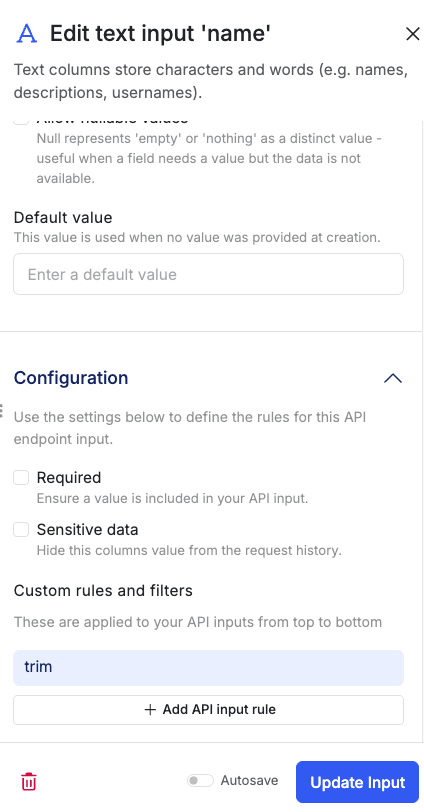 Filters and rules are defined in the input block, placed immediately after the input type.
```javascript lines icon="code" Example of filters and rules in XanoScript theme={null}
text name? filters=trim|lower
text name? min:8|minAlpha:1|minDigit:1
```
### Input Filters
Transform the data sent to the input on the fly.
| Filter | Explanation | Example |
| ------- | -------------------------------- | -------------------------------------------------------------------------------------------------------------------------------------------------------------------------------------------------------------------------------------------------------------------------------------------------------------------------------------------------------------------------------------------------------------------------------------------------------------------------------------------------------------------------------------------------------------------------------------------------------------------------------------------------------------------------------------------------------------------------------------------------------------------------------------------------------------------------------------------------------------------------------------------------------------------------------------------------------------------------------------------------------------------------------------------------------------------------------------------------------------------------------------------------------------------------------------------------------------------------------------------------------------------------------------------------------------------------------------------------------------------------------------------------------------------------------------------------------------------------------------------------------------------------------------------------------------------------------------------------------------------------- |
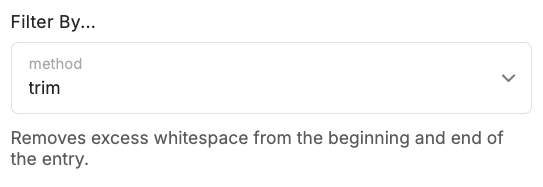
| `trim` | Trims whitespace from the input. | ` hello ` becomes `hello`
Filters and rules are defined in the input block, placed immediately after the input type.
```javascript lines icon="code" Example of filters and rules in XanoScript theme={null}
text name? filters=trim|lower
text name? min:8|minAlpha:1|minDigit:1
```
### Input Filters
Transform the data sent to the input on the fly.
| Filter | Explanation | Example |
| ------- | -------------------------------- | -------------------------------------------------------------------------------------------------------------------------------------------------------------------------------------------------------------------------------------------------------------------------------------------------------------------------------------------------------------------------------------------------------------------------------------------------------------------------------------------------------------------------------------------------------------------------------------------------------------------------------------------------------------------------------------------------------------------------------------------------------------------------------------------------------------------------------------------------------------------------------------------------------------------------------------------------------------------------------------------------------------------------------------------------------------------------------------------------------------------------------------------------------------------------------------------------------------------------------------------------------------------------------------------------------------------------------------------------------------------------------------------------------------------------------------------------------------------------------------------------------------------------------------------------------------------------------------------------------------------------- |
| `trim` | Trims whitespace from the input. | ` hello ` becomes `hello`
 |
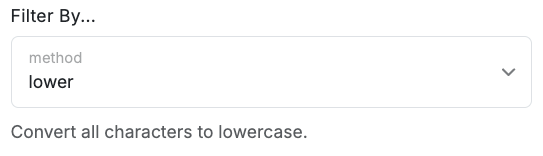
| `lower` | Converts the input to lowercase. | `HELLO` becomes `hello`
|
| `lower` | Converts the input to lowercase. | `HELLO` becomes `hello`
 |
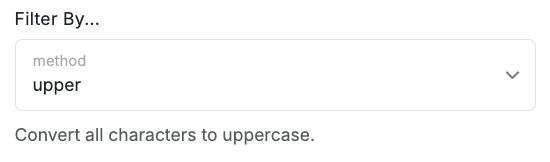
| `upper` | Converts the input to uppercase. | `hello` becomes `HELLO`
|
| `upper` | Converts the input to uppercase. | `hello` becomes `HELLO`
 |
### Input Rules
Validate the data sent to the input. If the data doesn't meet the criteria, the logic will fail to execute.
| Rule | Explanation | Example |
| ------------ | ---------------------------------- | --------------------------------------------------------------------------------------------------------------------------------------------------------------------------------------------------------------------------------------------------------------------------------------------------------------------------------------------------------------------------------------------------------------------------------------------------------------------------------------------------------------------------------------------------------------------------------------------------------------------------------------------------------------------------------------------------------------------------------------------------------------------------------------------------------------------------------------------------------------------------------------------------------------------------------------------------------------------------------------------------------------------------------------------------------------------------------------------------------------------------------------------------------------------------------------------------------------------------------------------------------------------------------------------------------------------------------------------------------------------------------------------------------------------------------------------------------------------------------------------------------------------------------------------------------------------------------------------------------------------------------------------------------------------------------------- |
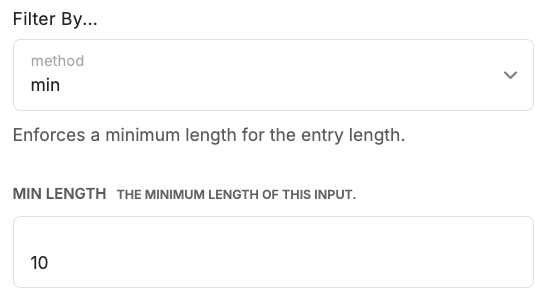
| `min` | Requires a minimum length. | `Hello` is not valid, but `Hello World` is.
|
### Input Rules
Validate the data sent to the input. If the data doesn't meet the criteria, the logic will fail to execute.
| Rule | Explanation | Example |
| ------------ | ---------------------------------- | --------------------------------------------------------------------------------------------------------------------------------------------------------------------------------------------------------------------------------------------------------------------------------------------------------------------------------------------------------------------------------------------------------------------------------------------------------------------------------------------------------------------------------------------------------------------------------------------------------------------------------------------------------------------------------------------------------------------------------------------------------------------------------------------------------------------------------------------------------------------------------------------------------------------------------------------------------------------------------------------------------------------------------------------------------------------------------------------------------------------------------------------------------------------------------------------------------------------------------------------------------------------------------------------------------------------------------------------------------------------------------------------------------------------------------------------------------------------------------------------------------------------------------------------------------------------------------------------------------------------------------------------------------------------------------------- |
| `min` | Requires a minimum length. | `Hello` is not valid, but `Hello World` is.
 |
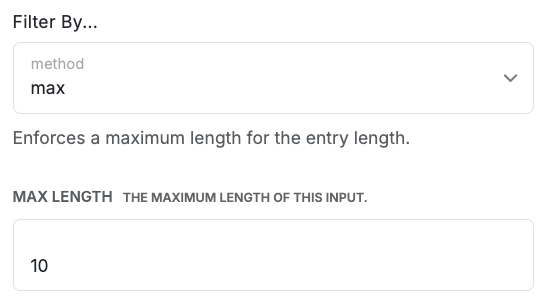
| `max` | Requires a maximum length. | `Hello World` is not valid, but `Hello` is.
|
| `max` | Requires a maximum length. | `Hello World` is not valid, but `Hello` is.
 |
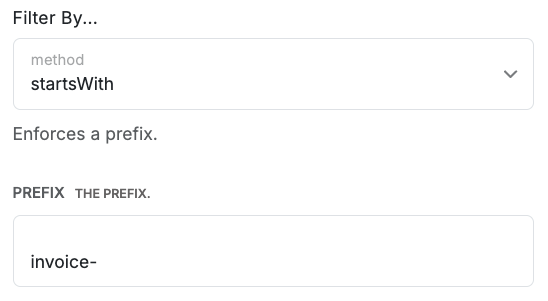
| `startsWith` | Requires a prefix. | If set to `invoice-`, `invoice-abc123` is valid, but `abc123` is not.
|
| `startsWith` | Requires a prefix. | If set to `invoice-`, `invoice-abc123` is valid, but `abc123` is not.
 |
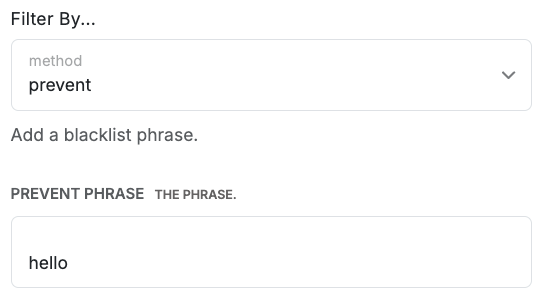
| `prevent` | Prevents a phrase. | If set to `hello`, `hello world` is not valid, but `goodbye world` is.
|
| `prevent` | Prevents a phrase. | If set to `hello`, `hello world` is not valid, but `goodbye world` is.
 |
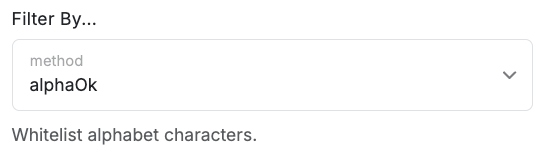
| `alphaOk` | Allows alphabetic characters only. | `hello` is valid, but `hello123` is not.
|
| `alphaOk` | Allows alphabetic characters only. | `hello` is valid, but `hello123` is not.
 |
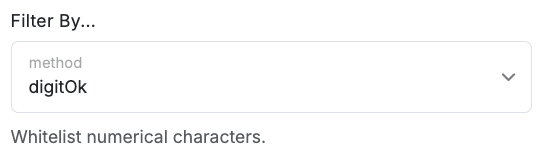
| `digitOk` | Allows numerical characters only. | `hello` is not valid, but `123` is.
|
| `digitOk` | Allows numerical characters only. | `hello` is not valid, but `123` is.
 |
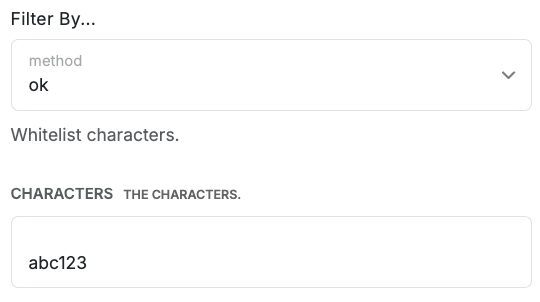
| `ok` | Allows only specific characters. | If set to `abc123`, `hello` is not valid, but `abc123` is. `abc` is valid, but `cde` is not.
|
| `ok` | Allows only specific characters. | If set to `abc123`, `hello` is not valid, but `abc123` is. `abc` is valid, but `cde` is not.
 |
## Input Reference
Review all available input types below by selecting the section you're interested in.
A plain string of text, code, or any other characters.
A whole number, such as a count, year, or ID.
A Universally Unique Identifier — a random string used to ensure record uniqueness.
A JSON object with a defined schema (e.g., user settings or product details).\\
```json lines icon="code" Example of an object input theme={null}
{
"name": "John Doe",
"age": 30,
"email": "john.doe@example.com"
}
```
An integer or UUID referencing a record in another table.
A fixed-length array of numbers (embedding) for similarity search in AI/ML.
A predefined list of values to enforce consistency (e.g., "To Do", "In Progress", "Done", "Pending").
A point in time in milliseconds since the Unix Epoch (Jan 1, 1970).
A calendar date in
|
## Input Reference
Review all available input types below by selecting the section you're interested in.
A plain string of text, code, or any other characters.
A whole number, such as a count, year, or ID.
A Universally Unique Identifier — a random string used to ensure record uniqueness.
A JSON object with a defined schema (e.g., user settings or product details).\\
```json lines icon="code" Example of an object input theme={null}
{
"name": "John Doe",
"age": 30,
"email": "john.doe@example.com"
}
```
An integer or UUID referencing a record in another table.
A fixed-length array of numbers (embedding) for similarity search in AI/ML.
A predefined list of values to enforce consistency (e.g., "To Do", "In Progress", "Done", "Pending").
A point in time in milliseconds since the Unix Epoch (Jan 1, 1970).
A calendar date in YYYY-MM-DD format.
A true or false value.
A number with a decimal point (e.g., 1.5, 100.00, 0.001).
An email address.
A hashed and salted password. Plain text is never stored or retrievable.
A flexible JSON object or array without a defined schema — ideal for variable data (e.g., from external APIs).
```json lines icon="code" Example of a JSON input theme={null}
{
"name": "John Doe",
"age": 30,
"email": "john.doe@example.com"
}
```
File metadata for images, videos, audio, or other files (e.g., URL, name, size, type). Actual files are not stored in the database.
Stores geographic data such as a point, path, or polygon.