

 Xano
XanoPrerequisites
Installation
Install the MCP Server
Open Windsurf Settings → Cascade → MCP Servers (or click the settings icon in the top right of the Cascade panel). From there, you’ll need to edit the underlying config file at~/.codeium/windsurf/mcp_config.json directly:
Verify Setup
In the Cascade panel, ask:“What version of the Xano Developer MCP is installed?”Windsurf should call
mcp_version and return the current version number.
Install the XanoScript Language Server extension
The language server extension enables code completion and syntax highlighting for XanoScript, and is essential for the best experience. Windsurf uses the Open VSX extension registry — you can install the language server here (or via the VS Code Marketplace here if Windsurf is configured to use it).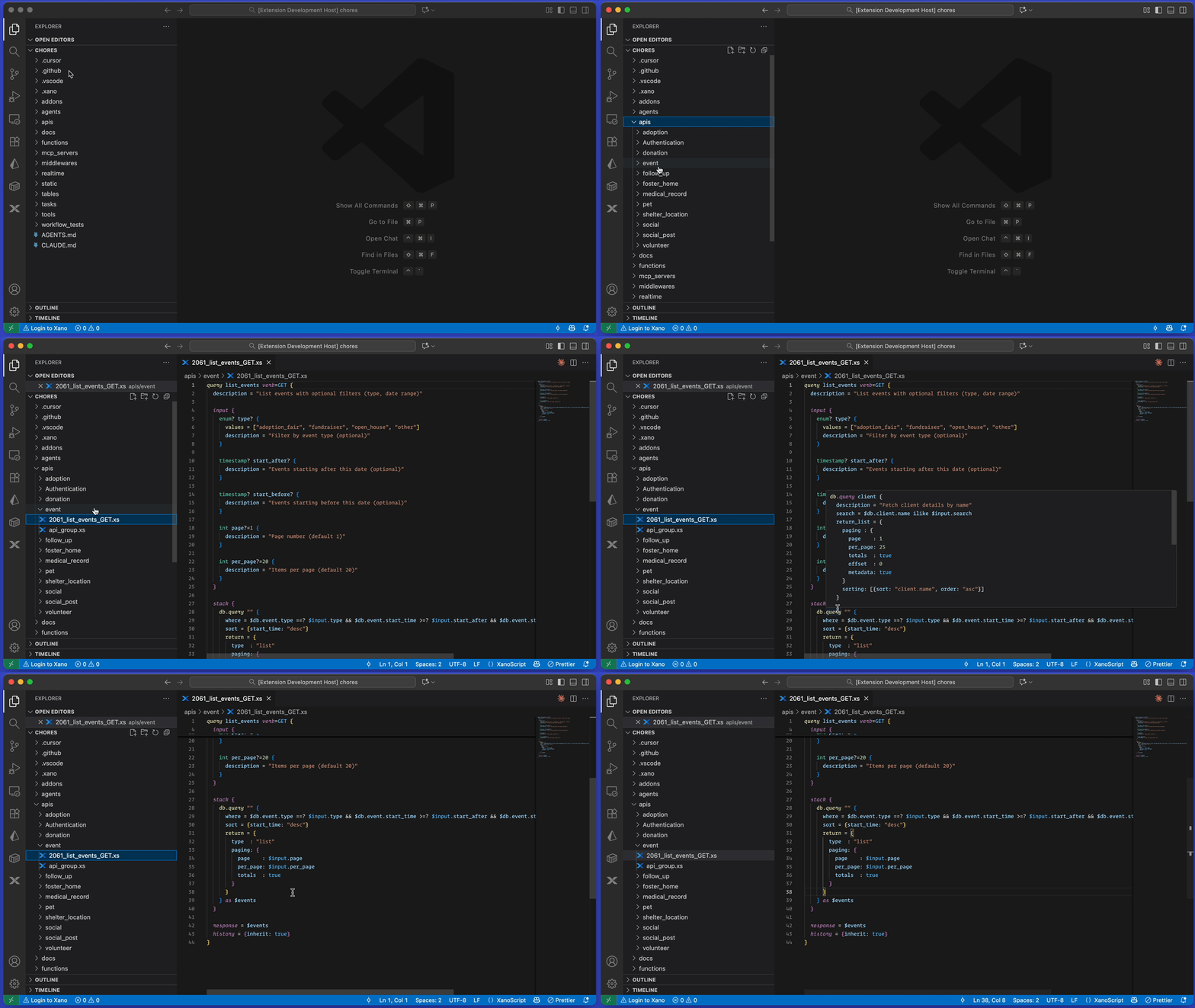
Usage
The Developer MCP lets Windsurf write and validate XanoScript using your local Xano workspace as context. Before asking Windsurf to make changes, pull a workspace locally with the Xano CLI. If you haven’t installed and authenticated with the CLI yet, do that now before continuing. Then select or create a workspace and run:xano sandbox review opens your sandbox in the browser — verify everything looks right, then promote the changes to production from there.
What’s Next
Tools Reference
Explore all 6 tools available in the Developer MCP
Resources & Library
Access MCP resources and use the package as an npm library