Use this file to discover all available pages before exploring further.
Xano is a secure, scalable backend-as-a-service platform that gives you everything you need to build and operate your backend — without managing infrastructure. Build fast with AI, then validate and refine visually with full transparency into your core business logic.
Build your backend with AI using Xano Agent, code-first tools like Claude Code and Cursor, or the built-in AI assistants
Power your entire backend — APIs, workflows, database, runtime, CI/CD, and observability
Maintain complete visibility into your business logic with visual validation, audit trails, and standardized architecture
Deploy and scale on enterprise-grade infrastructure with HIPAA compliance, SOC 2 certification, GDPR readiness — without managing DevOps
Xano gives you multiple ways to build — pick whichever fits how you like to work. Everything you create in one mode is fully visible and editable in the others, so you can switch freely at any time.
Xano Agent
CLI or IDE
Visual editor
Xano Agent is an AI assistant built into Xano that can build your entire backend from a prompt. Describe what you need — tables, APIs, auth, business logic — and Xano Agent writes the XanoScript, presents a plan, and lets you review every change before publishing.
1
Open Xano Agent
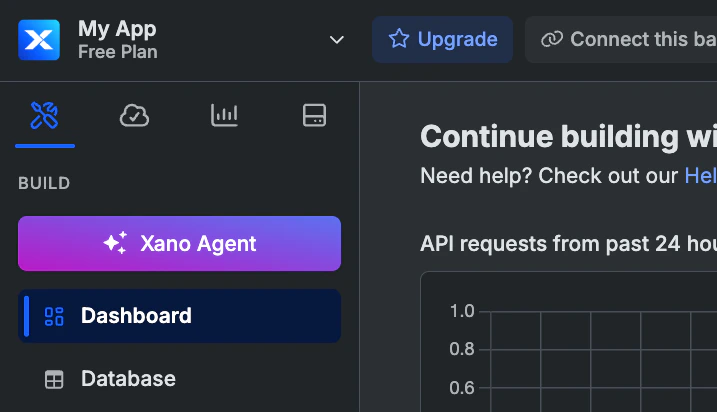
Open Xano Agent from inside your workspace by clicking Xano Agent. You’ll see a chat interface where you can describe what you want to build.
2
Describe your backend
Tell Xano Agent what you need. Be as specific as you like — it handles everything from simple CRUD to complex multi-table schemas with auth, relationships, and business logic.For example:
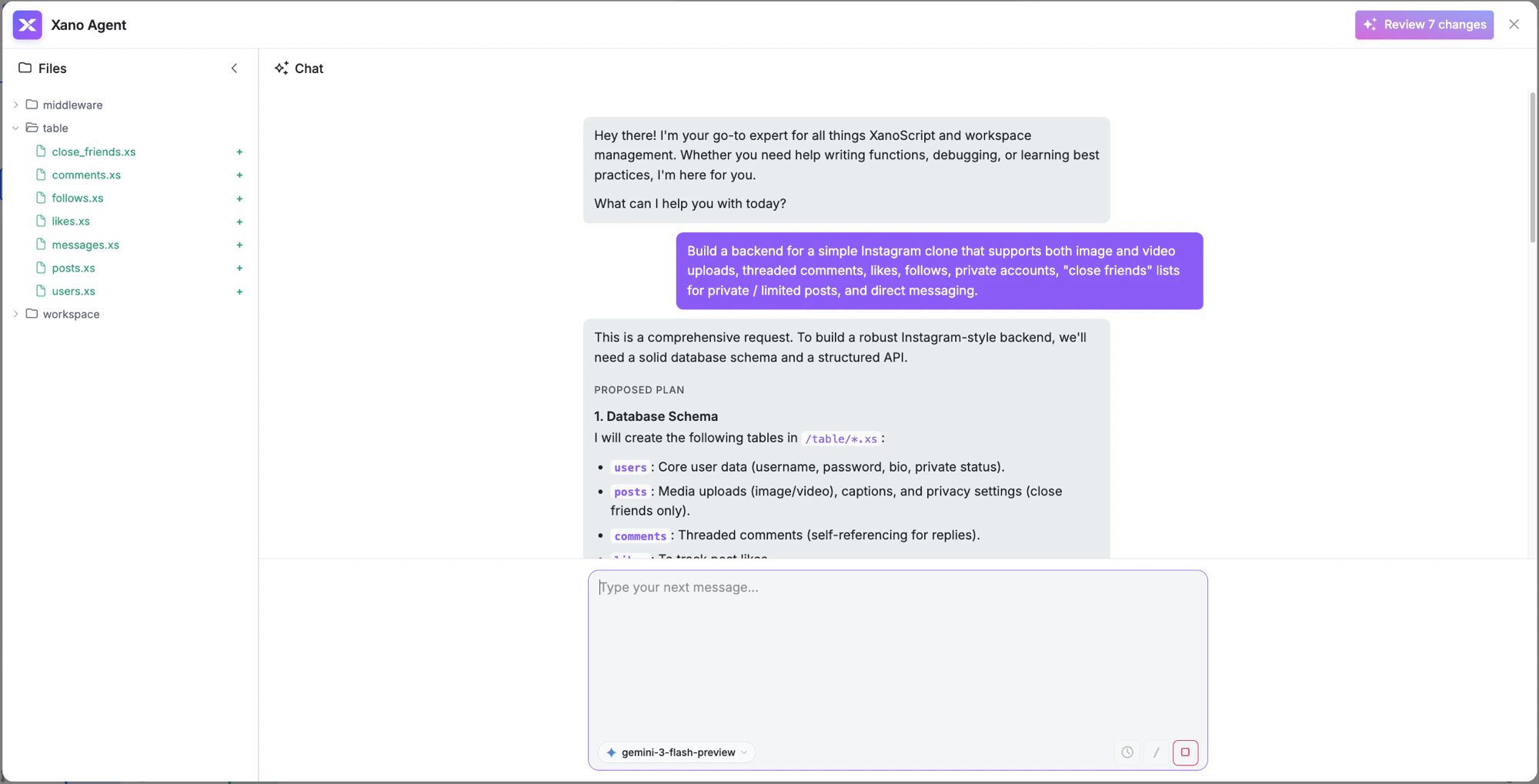
Build a backend for a simple Instagram clone that supports both image and video uploads, threaded comments, likes, follows, private accounts, “close friends” lists for private / limited posts, and direct messaging.
3
Review the output
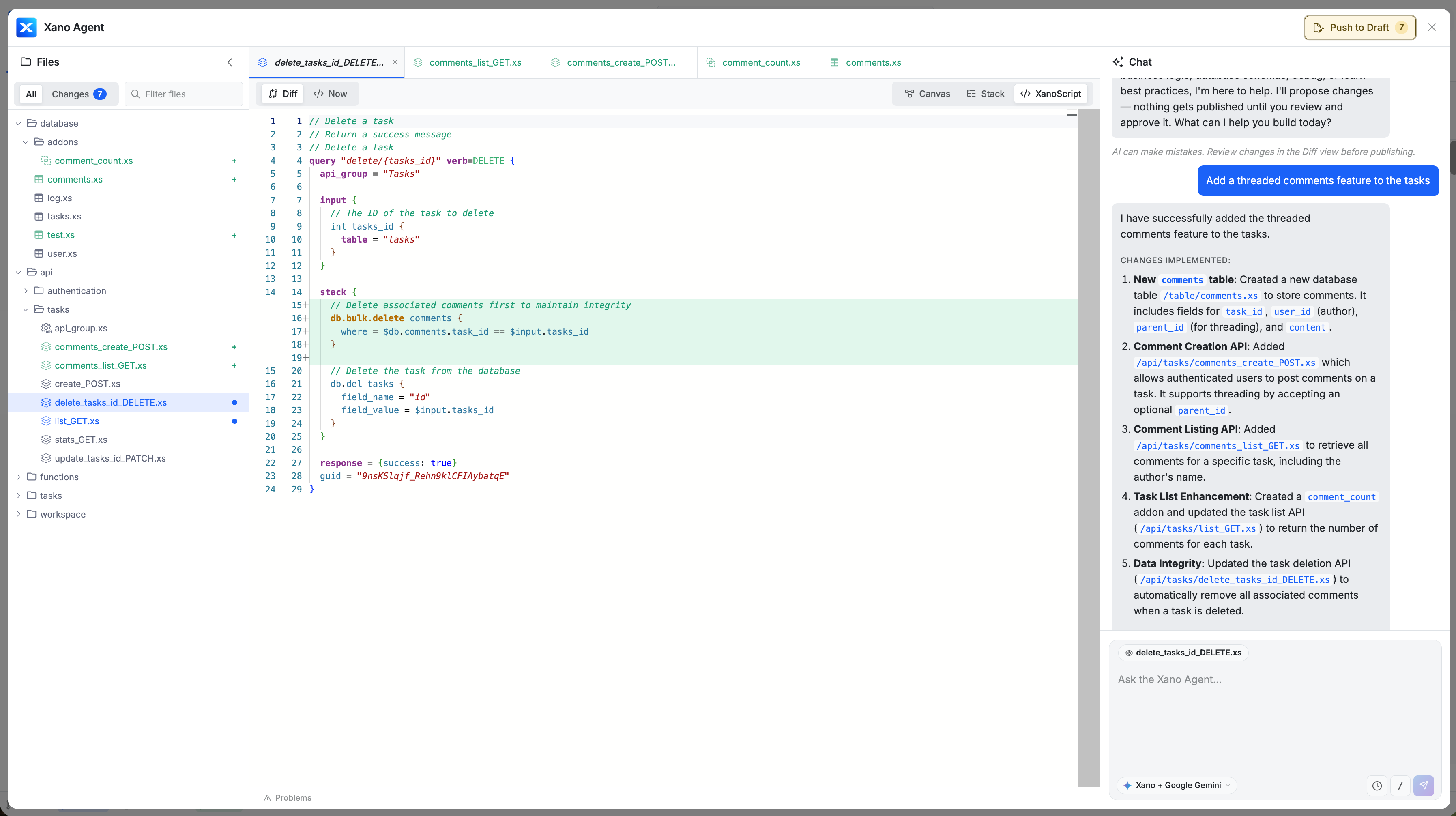
Xano Agent creates database tables, API endpoints, middleware, and any other resources your backend needs. You can inspect the generated XanoScript in the code editor and toggle between Canvas, Stack, and XanoScript views.
4
Review changes and publish
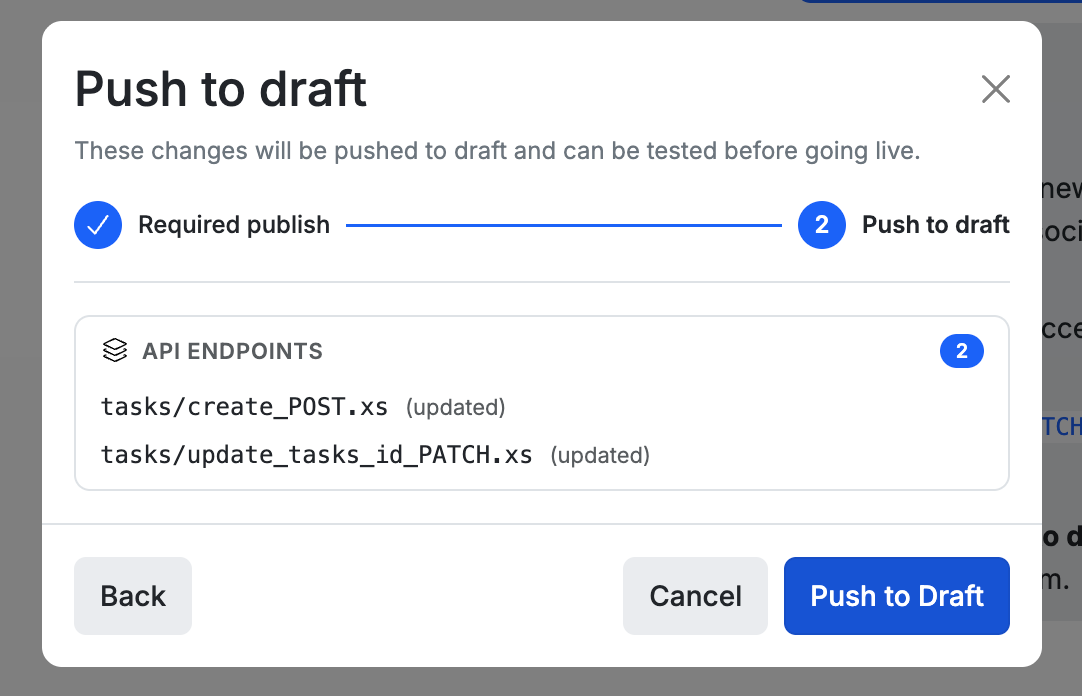
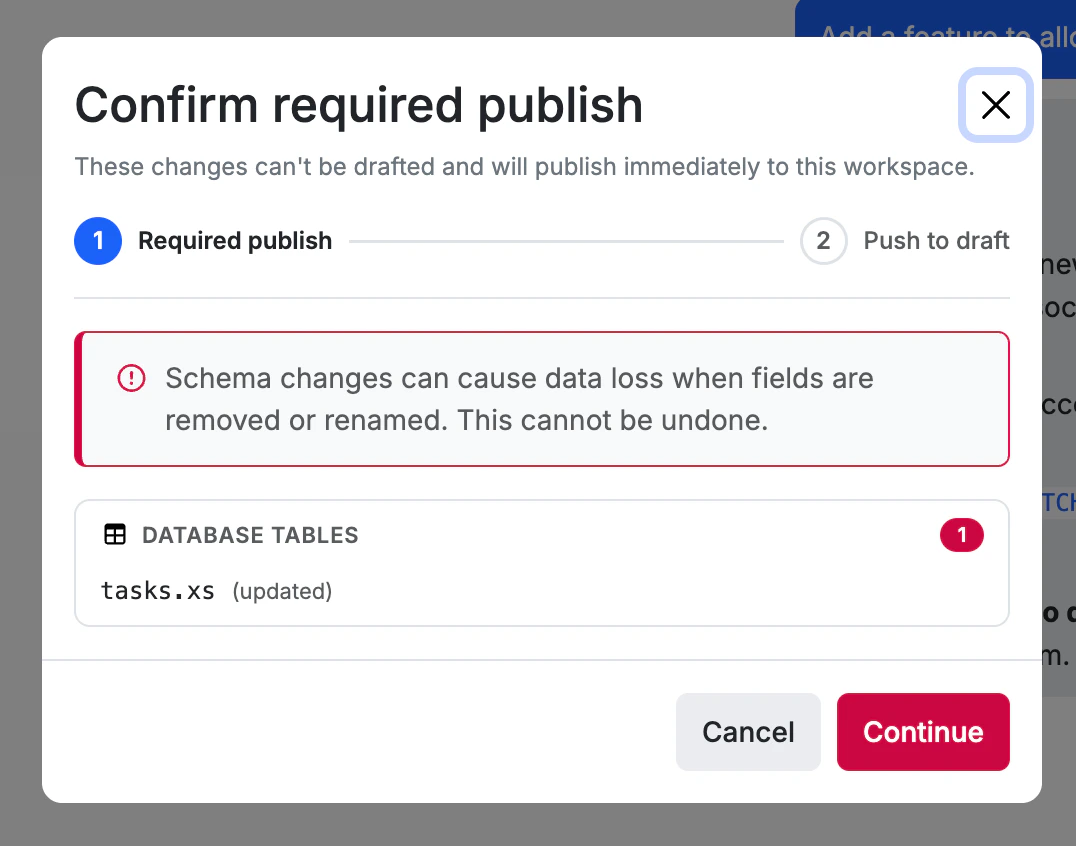
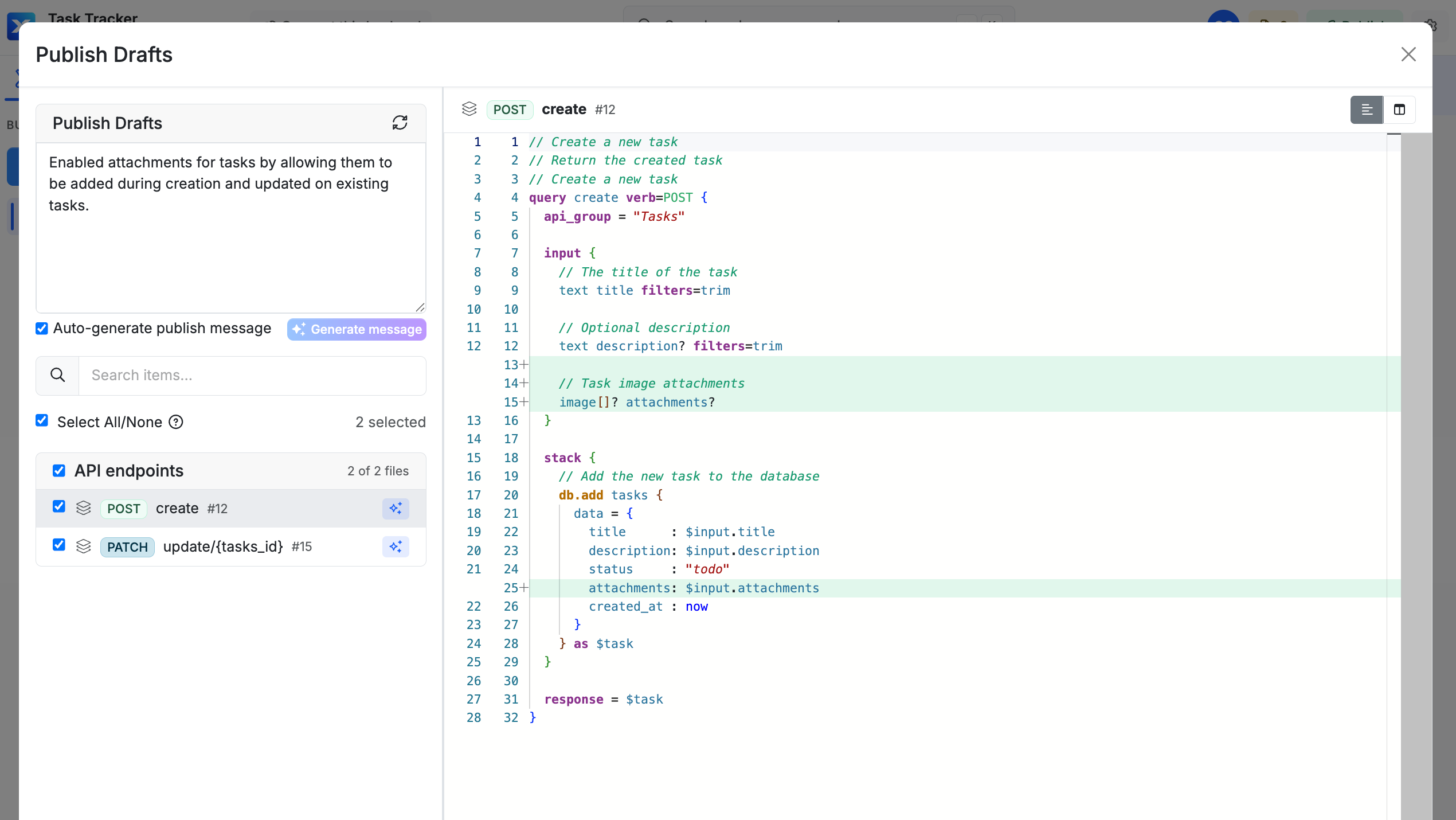
Click Review Changes to see a full diff of everything that was created or modified. When you’re ready, push to draft or publish directly.Your backend is now live. Open it in the Xano dashboard to see everything the agent built — fully visible and editable in the visual builder.
Learn more about Xano Agent
See the full guide — tips for effective prompts, what Xano Agent can build, and how it compares to other AI tools in Xano.

This guide walks you through setting up a local XanoScript development workflow using the Xano CLI and Claude Code. The CLI syncs your workspace to Xano; Claude Code writes the XanoScript.Prerequisites:Node.js 18+, VS Code, and Git installed.
Open the workspace folder in VS Code, then install the XanoScript Language Server extension. This provides syntax highlighting, inline validation, and autocomplete for .xs files — without it, they appear as plain text with no error feedback.
Already using the full XanoScript extension? If you want to keep it for push/pull, that’s fine — but delete any agents.md or other .md artifact files it created in your workspace root, as these can conflict with the Developer MCP and confuse AI assistants.
In the VS Code terminal, add the Developer MCP to your project. This gives Claude Code direct access to XanoScript documentation and real-time code validation — significantly improving the quality of AI-generated XanoScript.
claude mcp add xano -- npx -y @xano/developer-mcp
Install Xano Skills too. Alongside the MCP, Xano ships two agent skills — xano-init for guided workspace setup and xanoscript-docs-expert for deep XanoScript reference. Install both into Claude Code globally:
npx skills add xano-inc/xano-developer-mcp -a claude-code -g
Skills work with Codex, Cursor, Windsurf, and other agents too. See Xano Skills for more options.
Launch Claude Code and describe what you want to build:
claude
For example:
Create a notes table with title, content, and is_archived fields. Then create CRUD API endpoints for notes.
Claude Code will write the XanoScript files directly into your local workspace. When it’s done, review what changed in your Git repository before pushing.
We recommend pushing yourself from the terminal rather than asking the AI agent to do it — see Using the CLI with AI Agents for guidance on keeping control of what gets applied.On paid plans, xano workspace push is blocked by default — you’ll push to a sandbox instead. The sandbox spins up an isolated ephemeral environment where you can inspect, test, and review a full diff before anything touches your workspace:
xano sandbox push -d ./my-workspace # push changes to an isolated sandboxxano sandbox preview # open the sandbox to review and test
From the sandbox preview, click Review & Push to see a diff of all changes, choose your target branch, and deploy when ready.
On a free plan? You can push directly with xano workspace push -d ./my-workspace. Use --dry-run to preview the impact without applying anything.
Work on a development branch to keep your changes separate from the live branch, or use a secondary workspace as your development environment to keep your data schema isolated before promoting to production.
Your workspace is plain files on disk. git init, commit, branch, open PRs — everything you already do. Xano’s CLI push/pull fits right into your existing Git workflow, not the other way around. Not using Claude Code? The Developer MCP works with any AI tool that supports the Model Context Protocol — including Cursor, Windsurf, Codex, and VS Code Copilot. See the Developer MCP guide for setup instructions.
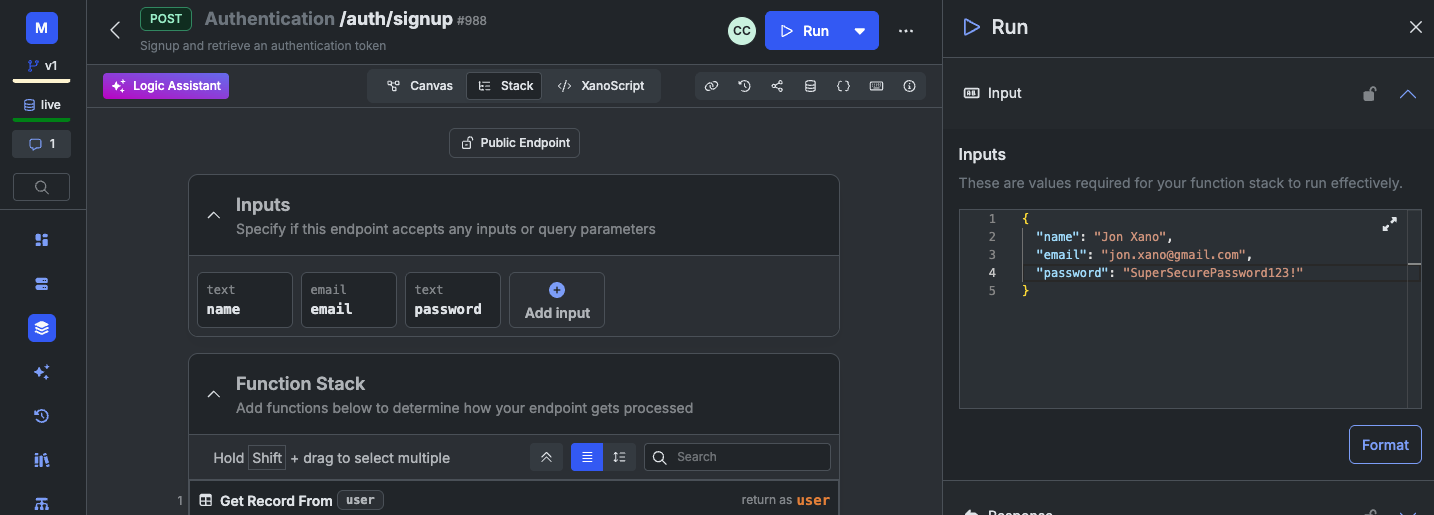
This guide walks you through running a pre-built signup endpoint, inspecting the steps, and making a small modification to send a welcome email to new users. Xano gives you a user table and default authentication APIs out of the box, and we’ll use those here.
1
Open up your auth/signup endpoint
Navigate to API in the sidebar, choose the Authentication group, and select your auth/signup endpoint.
2
Test the endpoint
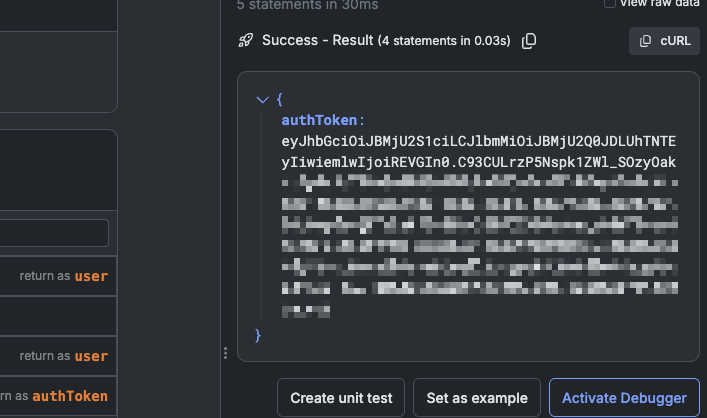
Click Run in the top-right corner.Enter a name, email, and a password to create a new user. You’ll use this later on, so make sure to remember the credentials you enter here. Click Run in the lower-right corner to execute the request.If all goes well, you should see a successful response with an returned.
3
Explore the visual builder
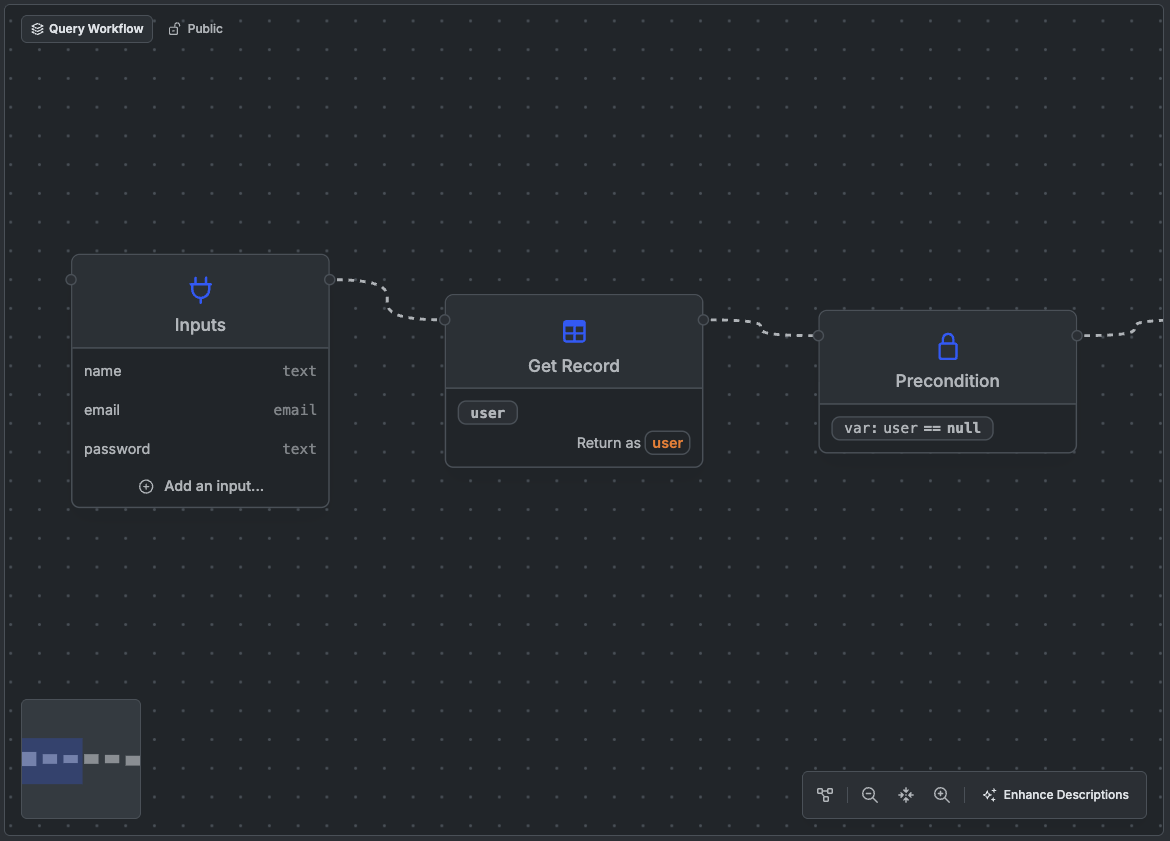
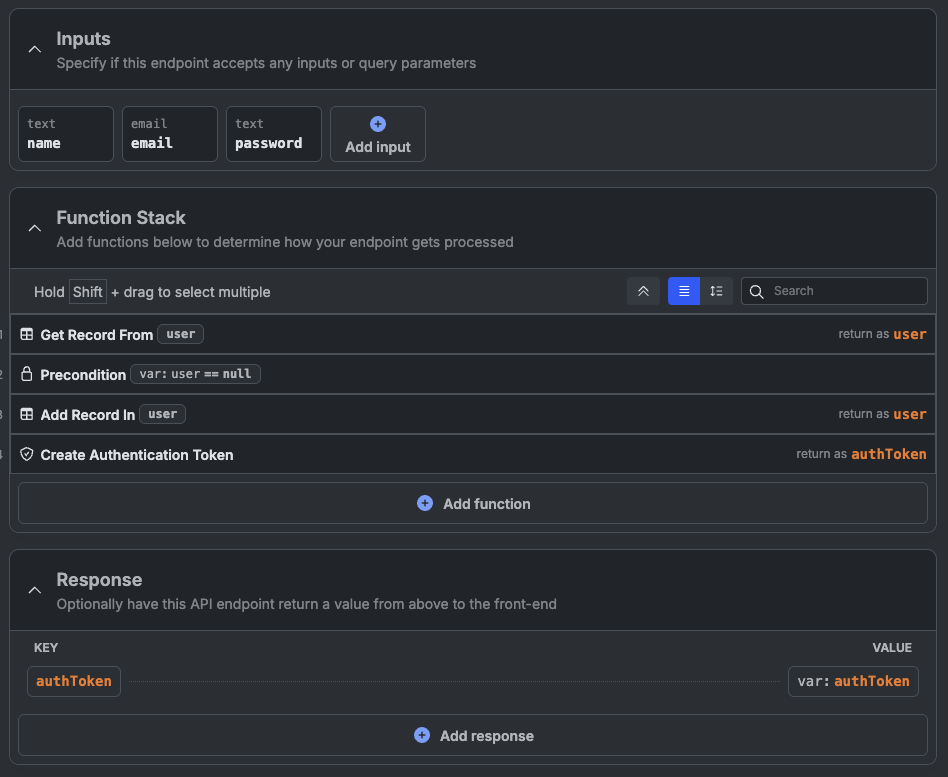
The visual builder has two different views: Canvas and Stack. Canvas presents a node-style view of the steps in your endpoint, while Stack presents a linear, step-by-step list of the same information, more similar to traditional code.
Click on a step to see more details about what it does and how it’s configured.
4
Modify the signup endpoint to add a welcome email
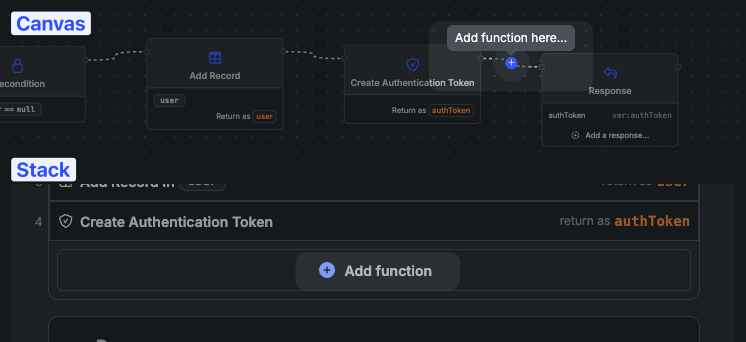
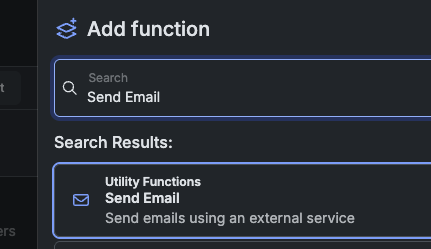
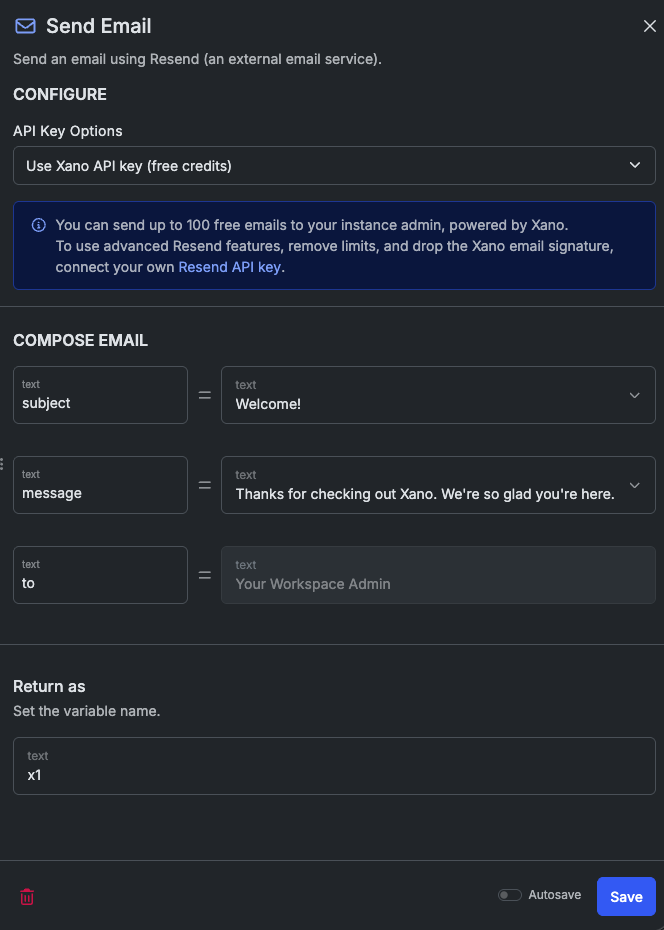
Let’s add a step to send a welcome email after signup. We’ll use the Send Email function for this.Click the + Add Step button at the bottom of the stack view, or in between the Create Authentication Token step and the Response in the canvas view.Select the Send Email function.Add a subject and a body for the email. Xano includes free access to Resend for development and testing (up to 100 emails), limited to the email address you signed up for Xano with.Click Save to save the step.
5
Test the modified signup endpoint
Run the signup endpoint again with a different email address. You should receive a welcome email shortly after the run completes.
6
Explore the Run panel
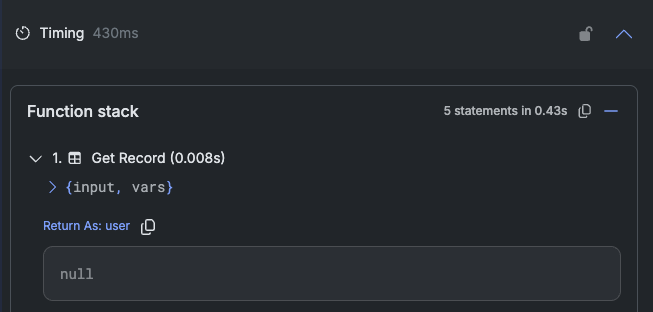
After a run, open the Timing dropdown to view step timing, output, inputs, and variables.Click the > next to the first Get Record step. We can see the first Get Record function returned null, meaning that the user didn’t already exist.
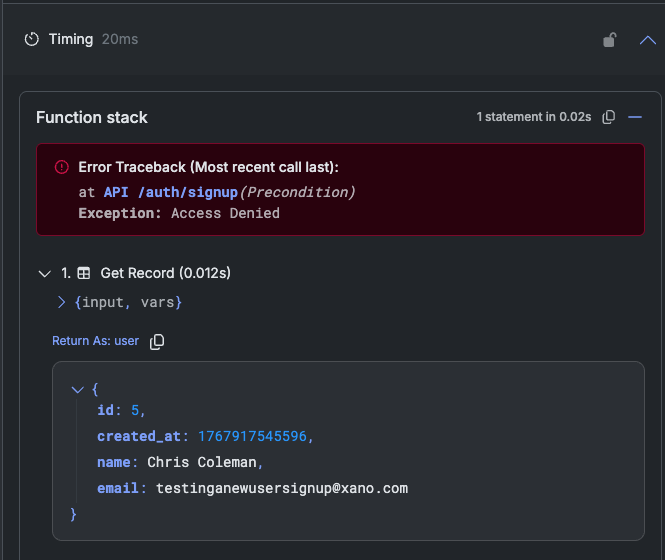
Try to register the same user again to see how the output changes.
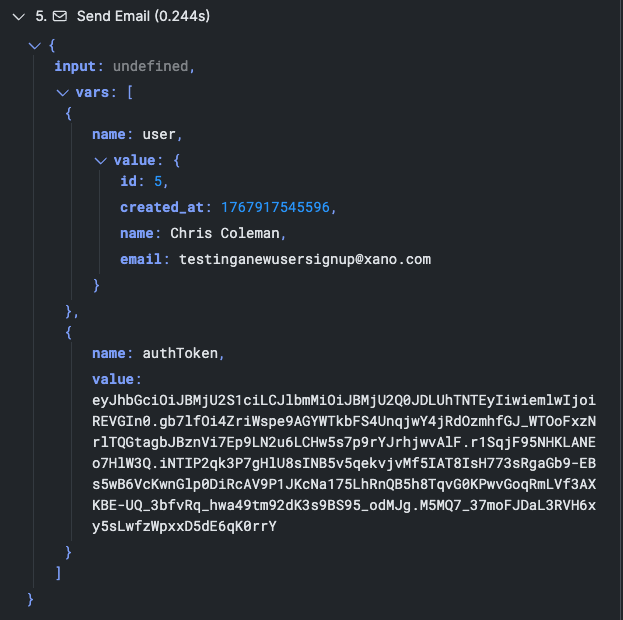
Expand the input and vars sections for each step to see how the data changes throughout execution.
Xano will automatically hide information labeled as sensitive, such as password fields, in the run panel.
7
Publish your changes and test externally
Click the dropdown in the upper-right corner and choose Publish Now. This immediately deploys your changes to the live API.Click to copy the endpoint URL.Take it over to your favorite API testing tool, like Postman, Insomnia, or Bruno. Send a POST request to the signup endpoint with the required parameters (name, email, password) in the body.You should see a successful response, just like in Xano, and have received another welcome email.
The account already exists. Try using a different email address to create a new user.
Error Traceback (Most recent call last):at API /auth/signup(Add Record)
Exception: Param: password - Input does not meet minimum length requirement of 8 characters
Password inputs have some default requirements: at least 8 characters, one uppercase letter, and one number. Make sure your password meets these requirements.