

Visual Dev, AI, or Code
Xano empowers you to build, iterate, and validate your backend visually, with code, or with AI — and you can hop between them at any time. Stop explaining your code and spend more time building.
Complete Backend
Everything you need to power modern applications—replacing 6–8 different tools
for APIs, data, server runtime, CI/CD, monitoring, observability, and more.
Agent Ready
Orchestrate complex AI behaviors with a powerful logic engine, long-running
tasks, and event-driven workflows.
Enterprise-grade
SOC 2, ISO 27001, GDPR, HDS, and HIPAA compliance, plus role-based governance
and limitless scalability.
Build with Code
XanoScript is our in-house scripting language that represents everything you can build in Xano. It’s powerful, flexible, and easy to learn, whether you’re a seasoned developer or just a Xano beginner.
Use the VS Code Extension
Get all the benefits of Xano without leaving your IDE. Available for any IDE that supports VS Code extensions.
Get the VS Code extension here
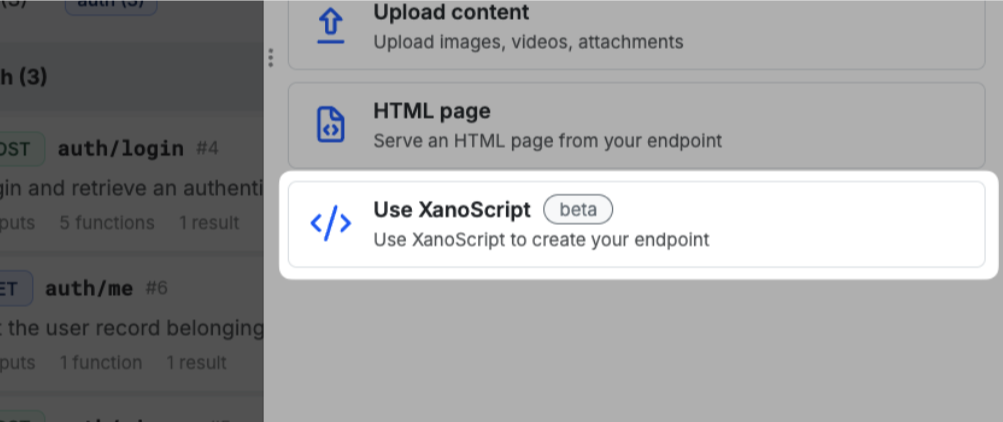
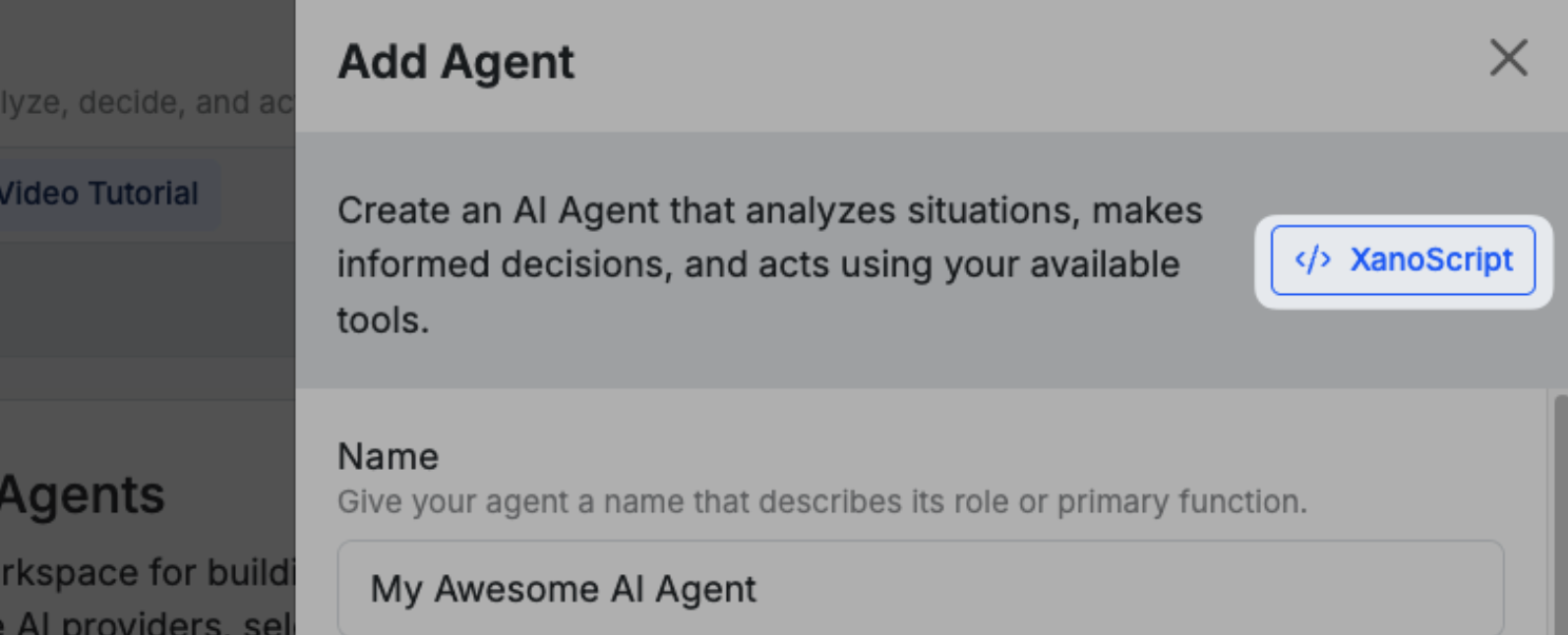
Look for XanoScript in-app
This option will be available when creating most new objects in Xano, such as APIs, Custom Functions, Background Tasks, and more.
Build & Validate Visually
Xano gives you two powerful ways to visualize backend logic — choose the style that fits your brain. You’re not locked in, either — switch between the different building modes at any time.Canvas View
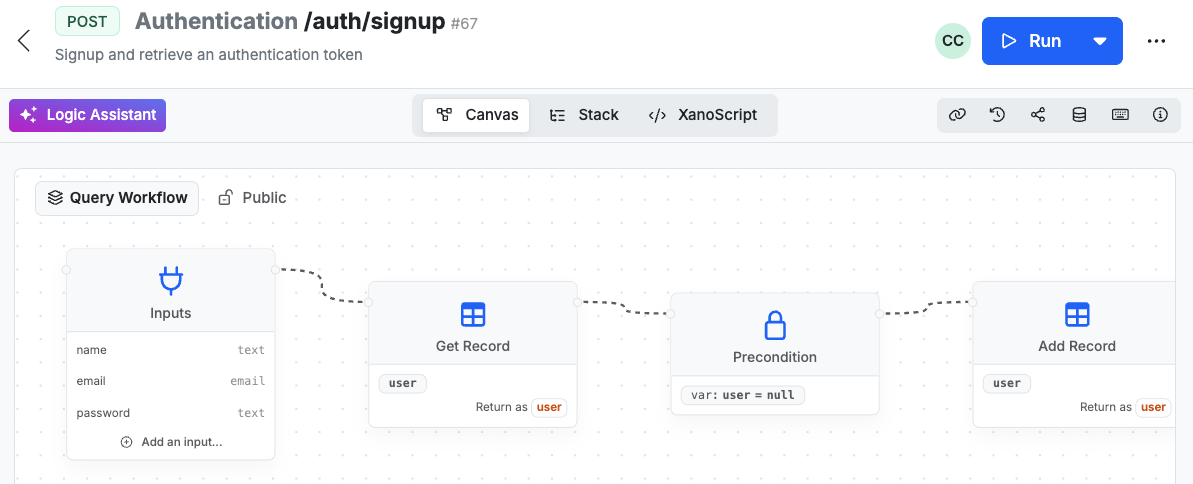
Perfect for visual thinkers — see your logic as a story, not just steps.
Explore the Canvas View
Function Stack
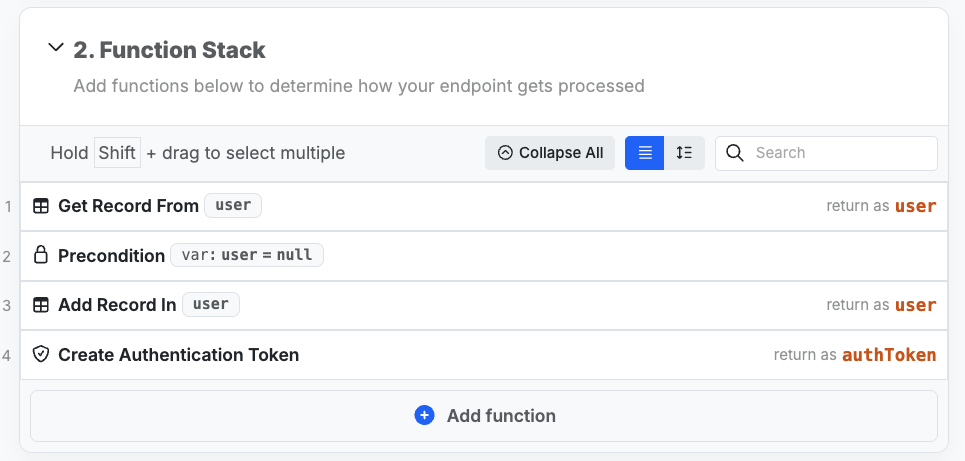
Ideal for those who love structure -- clean, ordered, and precise
Explore the Function Stack
Build with AI
Xano offers several different ways to build your backend with AI, reliably and efficiently.Use your favorite IDE's AI assistant
Many IDEs, like VS Code and Cursor, come with powerful AI help built right in. With our VS Code extension, it automatically knows how to write XanoScript, so it can build your entire backend, or just help you ideate and iterate.
Get the VS Code extension
Use our AI Assistants

Use the Xano MCP Server
The Xano MCP Server is a powerful tool that allows you to build your backend with AI, using your favorite MCP client of choice, such as Anthropic’s Claude, Cursor, or Windsurf.