

 Xano
Xano1
Create a Trigger
MCP triggers can be created to run any time a client connects to the MCP server. This is useful for dynamic updating of server or tool instructions, as well as restricting tools based on the connecting user.Click the ⋮ icon in the top-right corner of your MCP server and select Triggers.Click Add Trigger to create a new MCP server trigger.
2
Trigger Information
Give your trigger a name, description, and tags to help you identify it later. When you’re ready, click Save.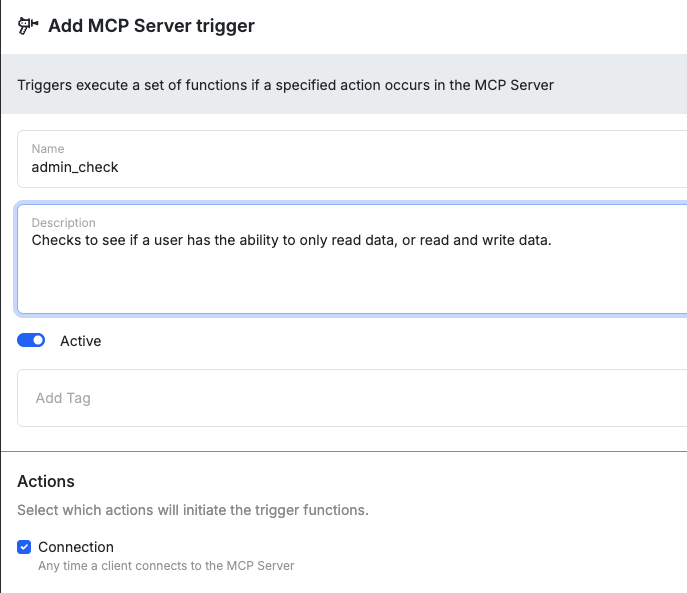
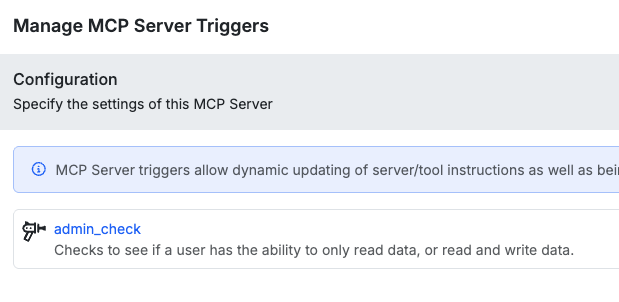
3
Trigger Inputs
MCP Server triggers offer the following inputs:
Contains the server information, such as the name and instructions.
An object array that contains each tool.You can modify the tools or toolset by building logic in the trigger to do so.
toolsetContains the server information, such as the name and instructions.
tools[]An object array that contains each tool.