Xano
XanoWhat is OpenTelemetry?
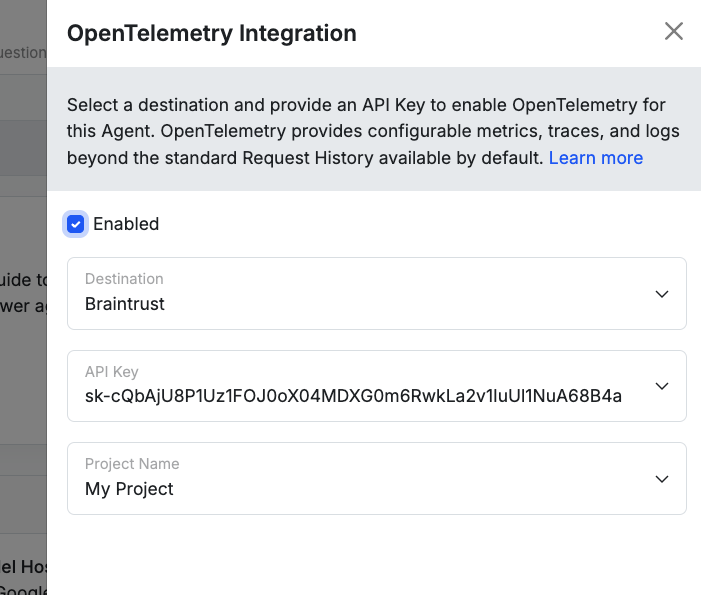
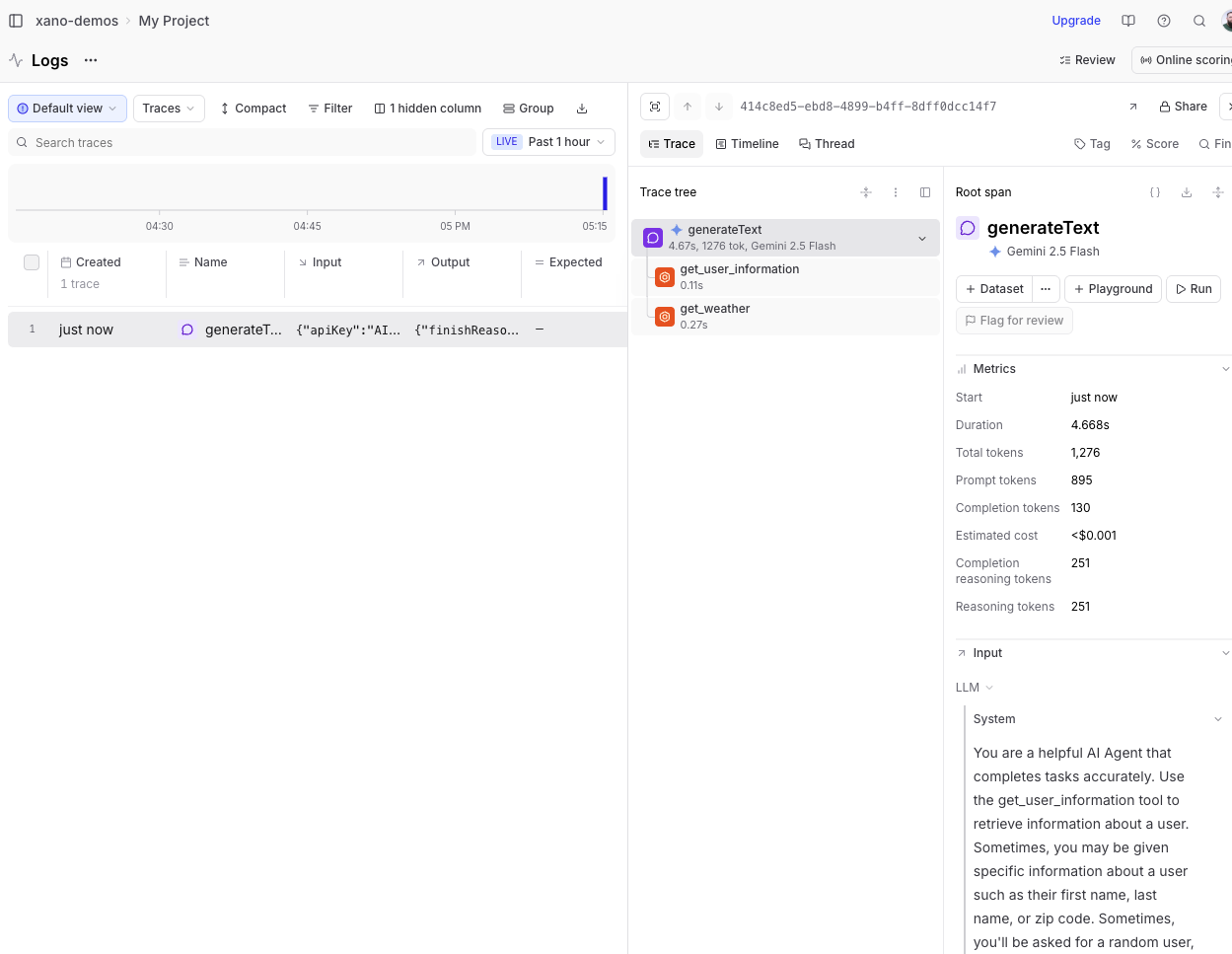
Connect Xano agents to platforms like Langfuse, LangChain, or Braintrust to make your agent runs easier to understand and improve. After you add your API key, Xano will automatically send agent activity to your chosen tool so you can view run history, trace what happened step-by-step, spot failures or slowdowns, and iterate on prompts and workflows with more confidence.Which platforms are supported?
Which one should I use?
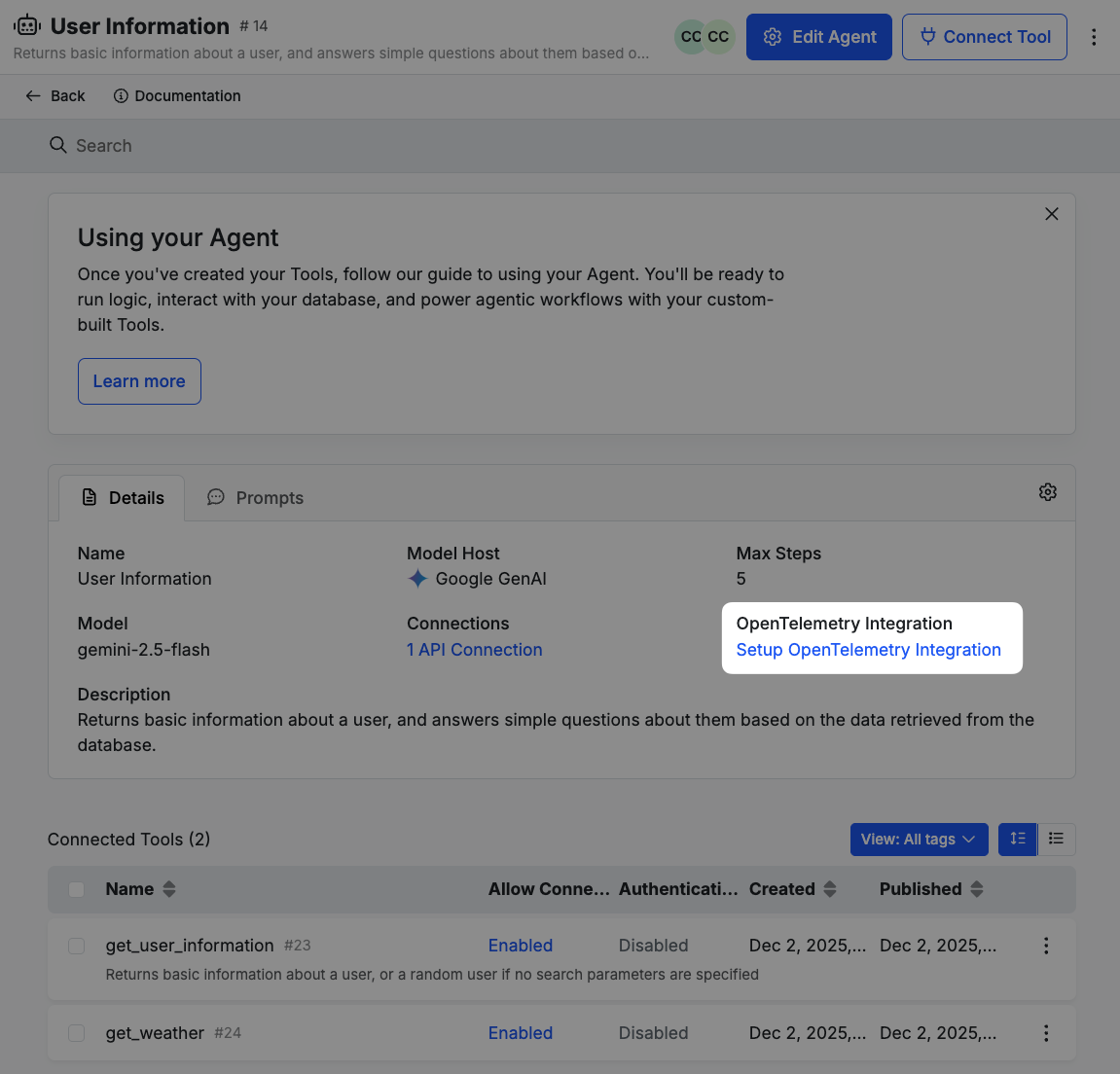
The best choice is simply the one that fits how your team already builds and improves agents. If you’re already using one of these tools, start there. If not, pick the platform whose UI and workflow feel most natural for how you want to review runs, debug issues, and track improvements. And because the setup is just an API key, you can try one, see how it feels, and switch later in Xano with just a couple of clicks.Setting up the Integration
Langfuse
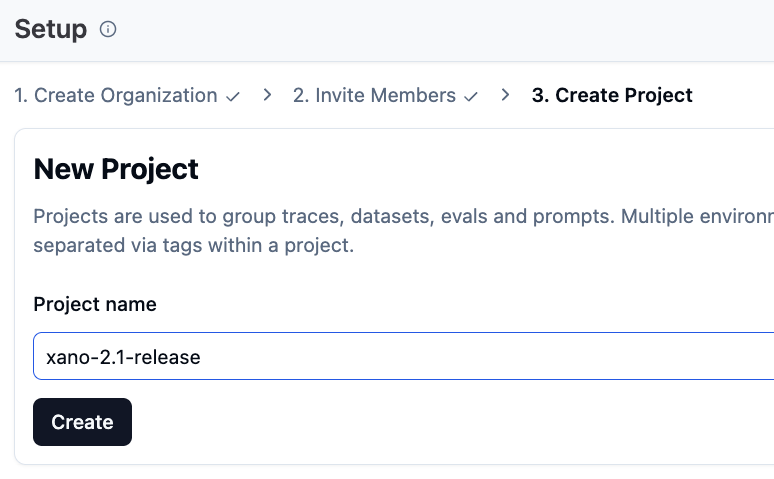
Langfuse is an open-source observability platform designed specifically for AI applications. It provides tools to monitor, trace, and analyze the performance of AI agents, making it easier to identify bottlenecks and optimize their behavior. In Langfuse, create an organization.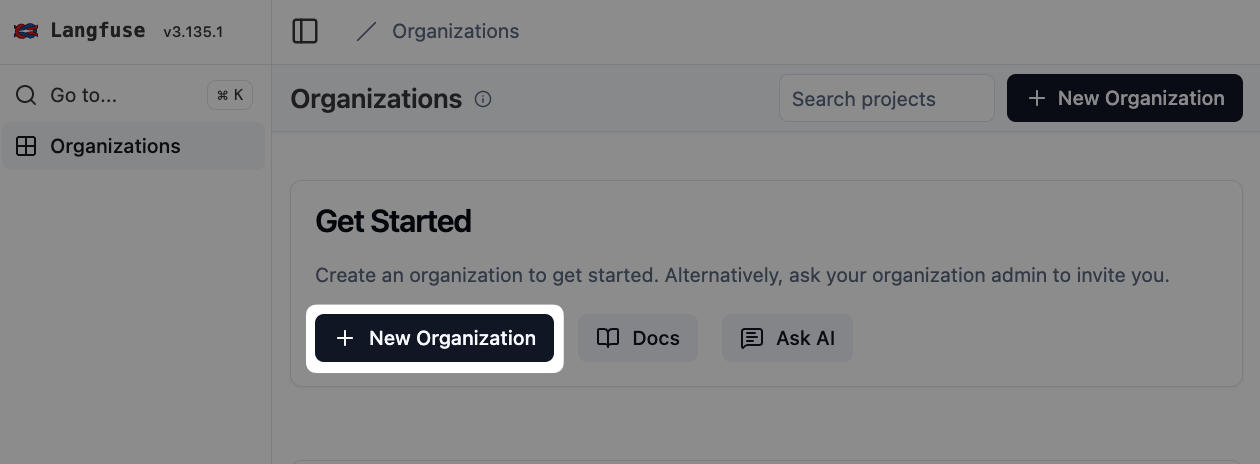
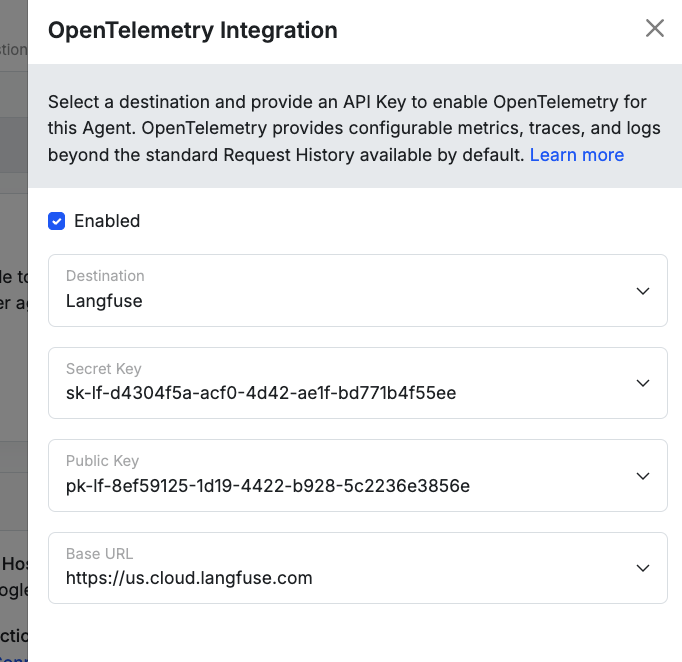
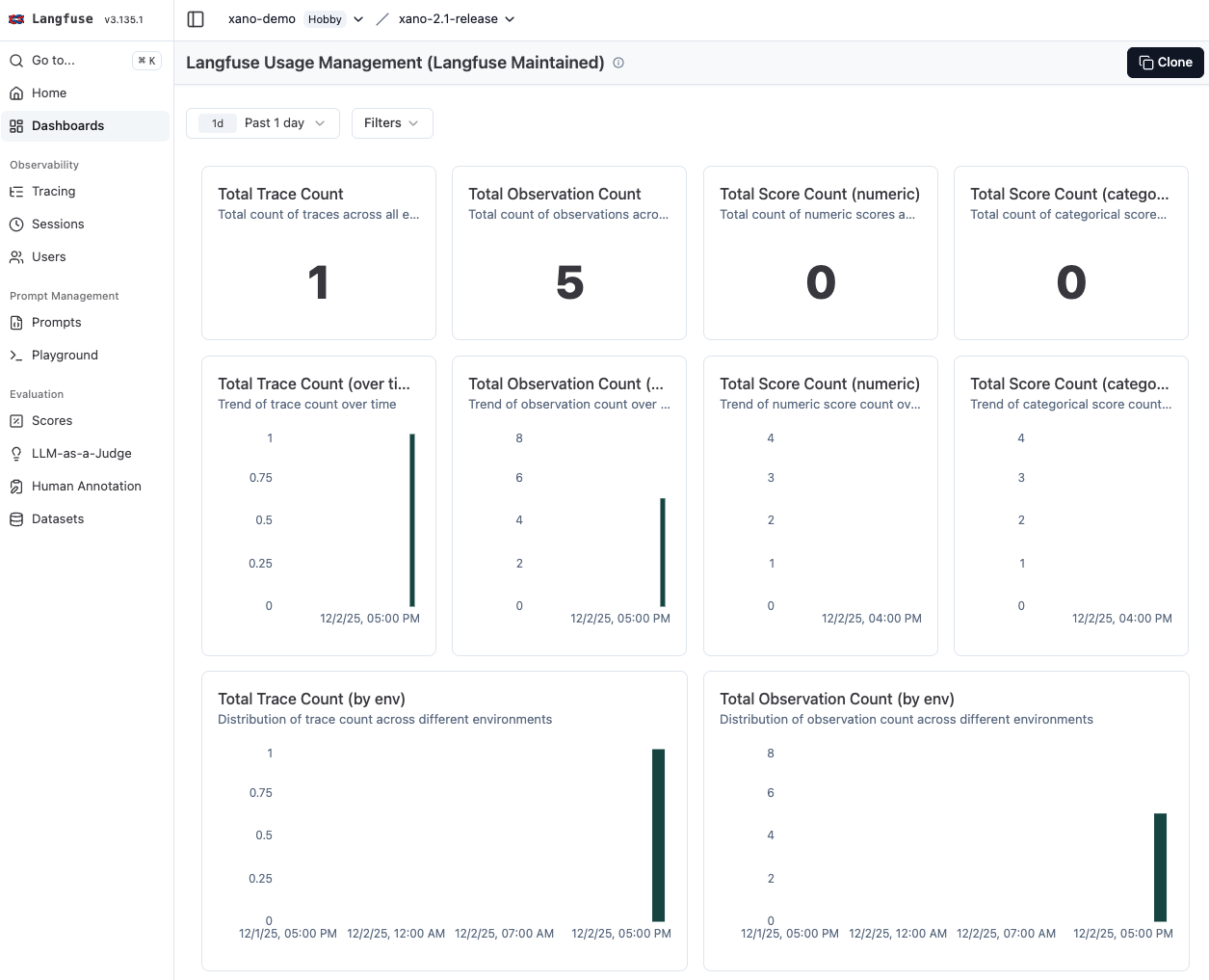
LangChain
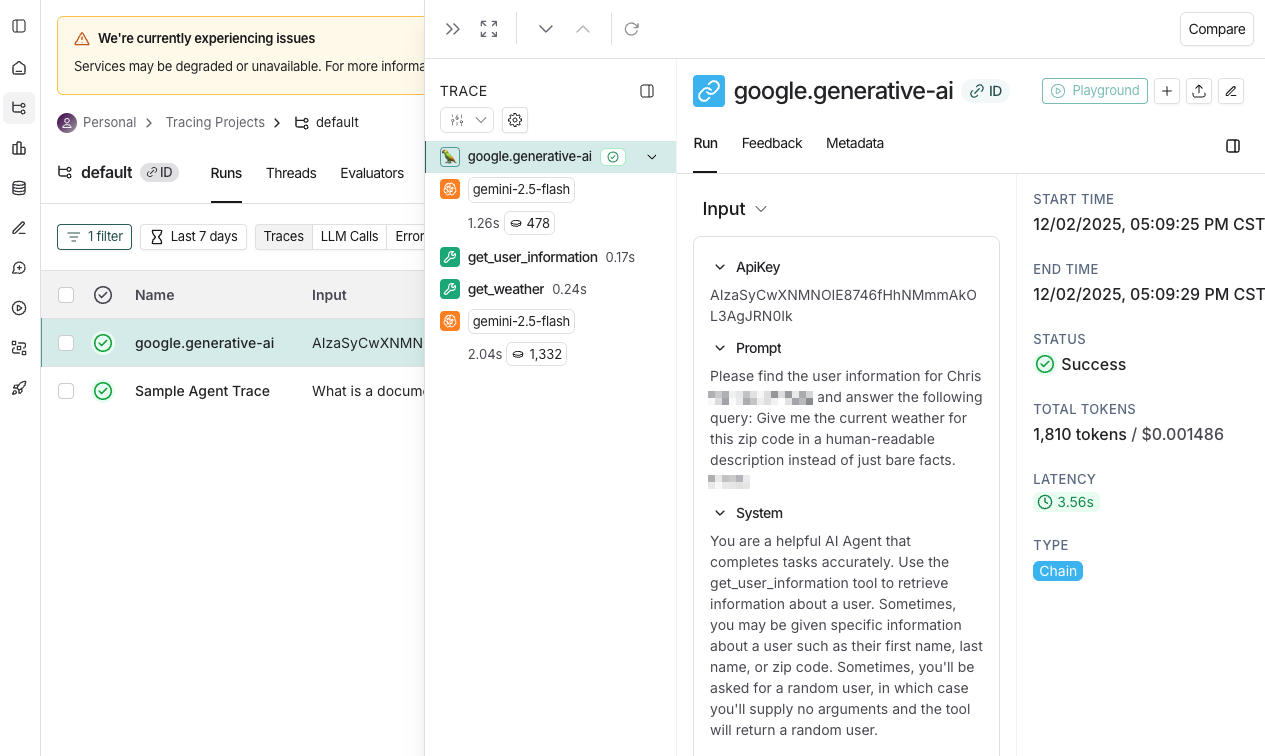
LangChain is a popular framework for building AI applications. It provides built-in support for OpenTelemetry, allowing developers to easily instrument their AI agents for observability. Create a new project in LangChain, and generate an API key.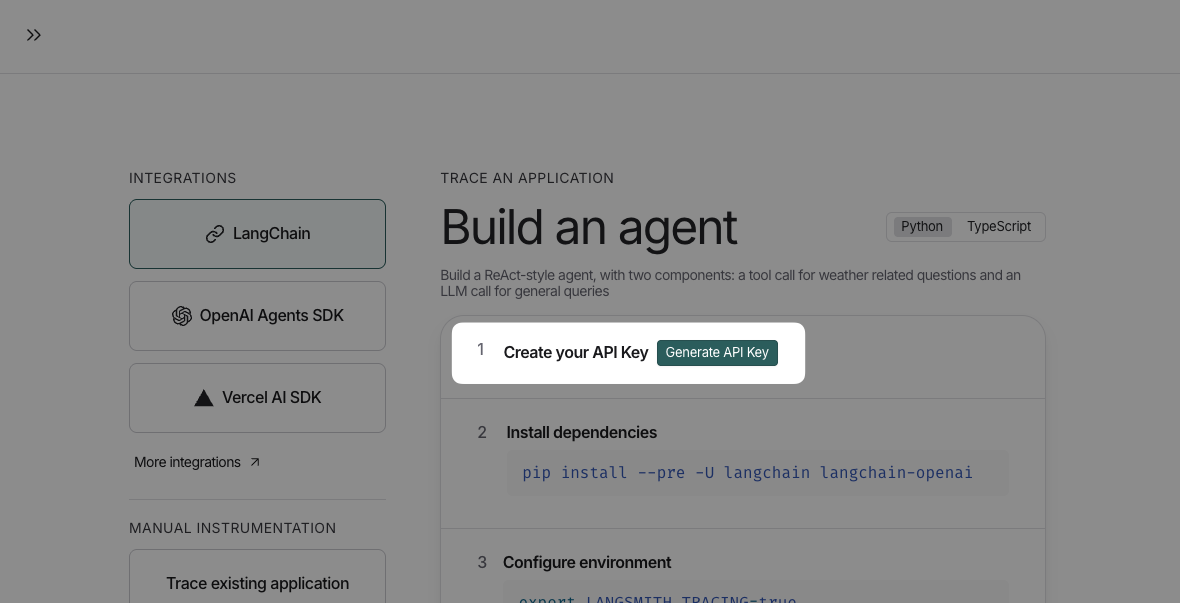
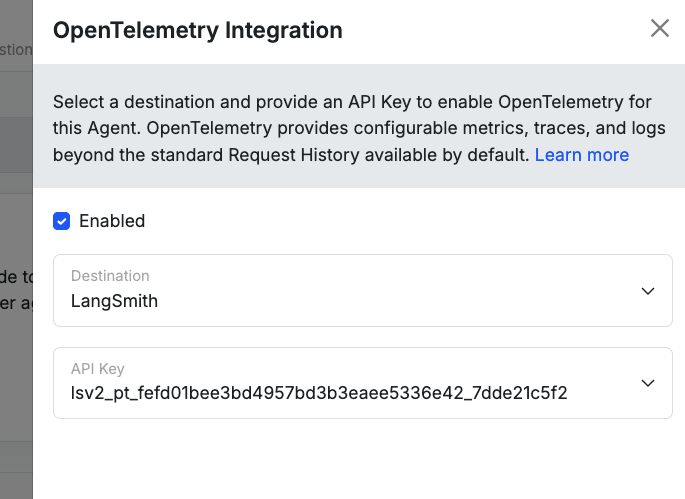
Braintrust
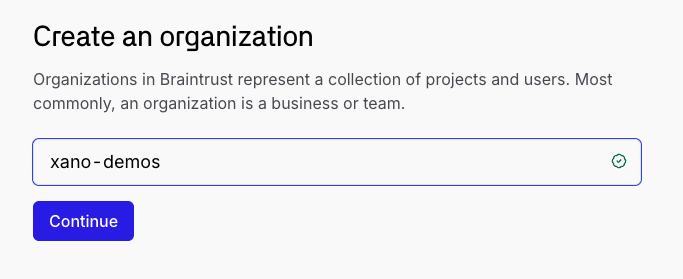
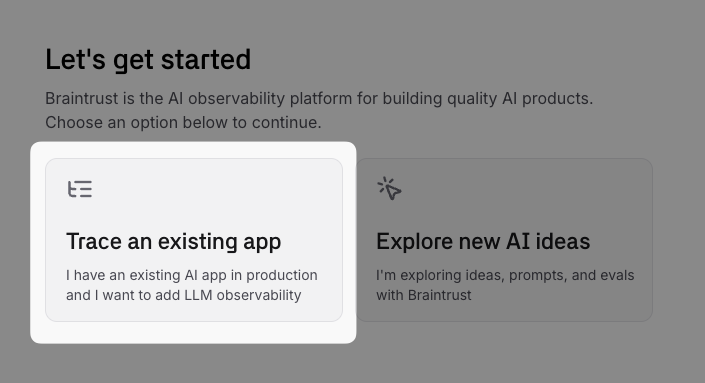
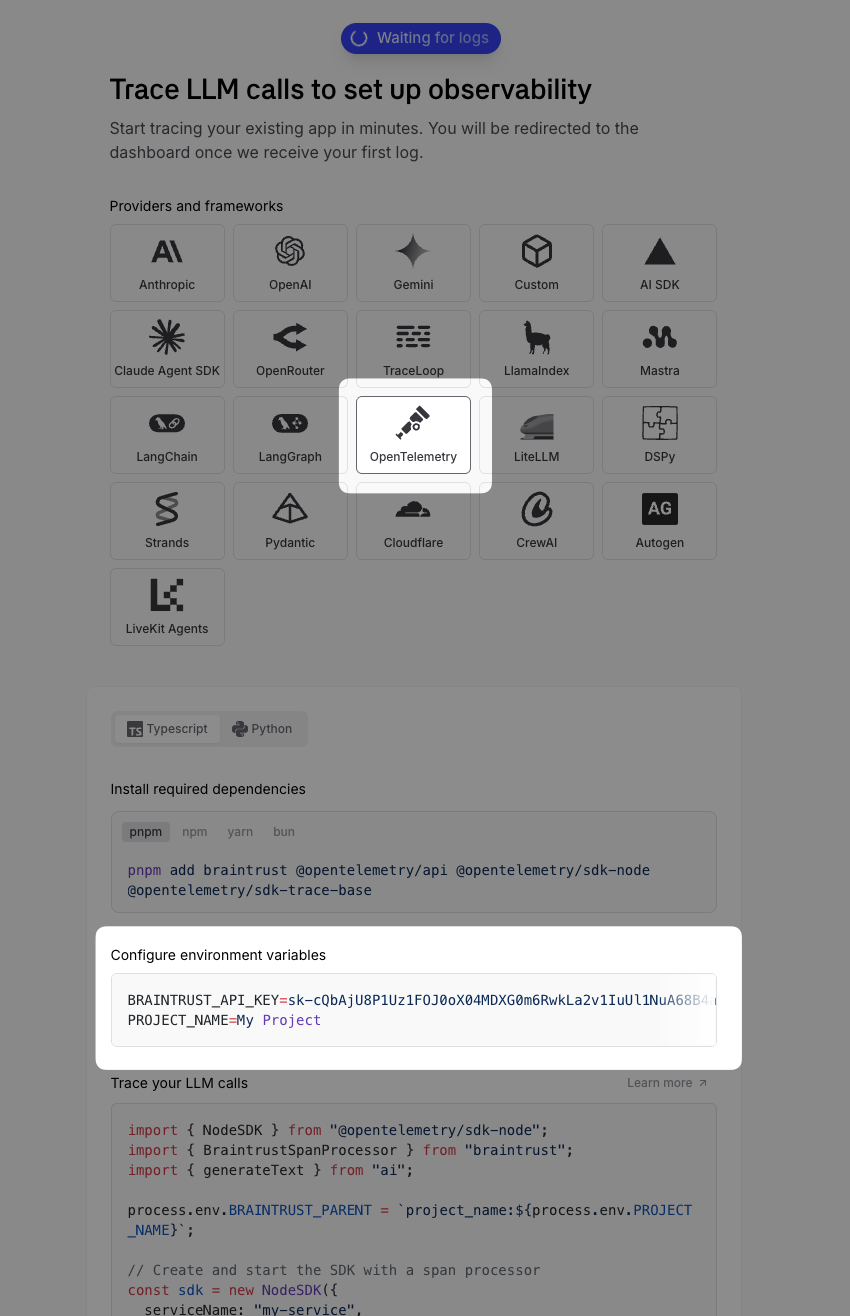
Braintrust is another observability platform that supports OpenTelemetry for AI applications. It offers features like real-time monitoring, tracing, and alerting to help developers maintain the performance of their AI agents. In Braintrust, create a new organization.