

 Xano
XanoMonitoring Errors Across your Workspace
Access the Error Logs dashboard from the left-hand navigation.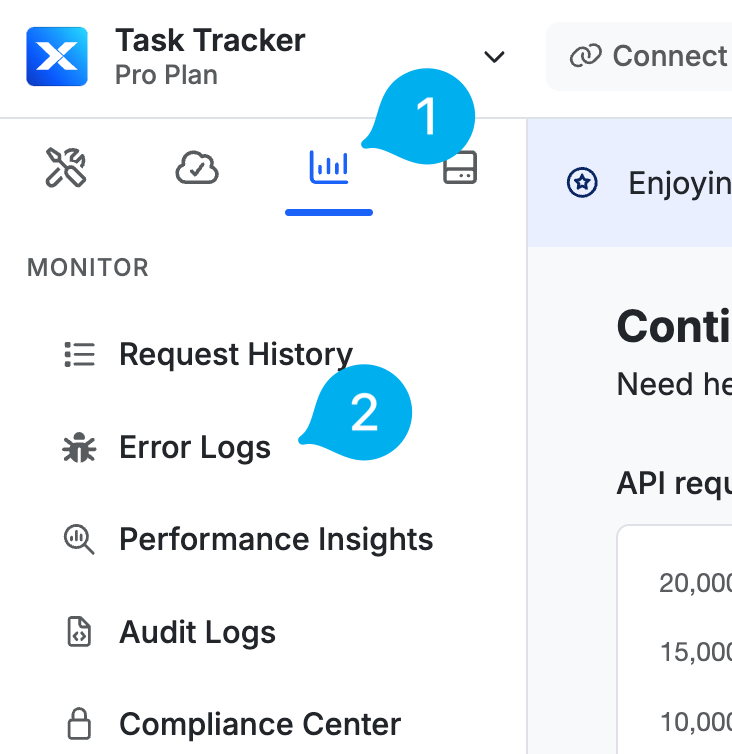
Error Logs are scoped to the branch you’re currently working in. Switching branches changes which errors you see, so if you’re looking for an error you expect to be there and it’s missing, check which branch is active.
Header
At the top of the dashboard, you’ll see a row of interactive cards detailing specific areas of errors present.
Card Types
All Errors
Displays all logged errors across your workspace. You can click individual time segments to drill into specific periods. Each other card listed below displays:- the total number of errors
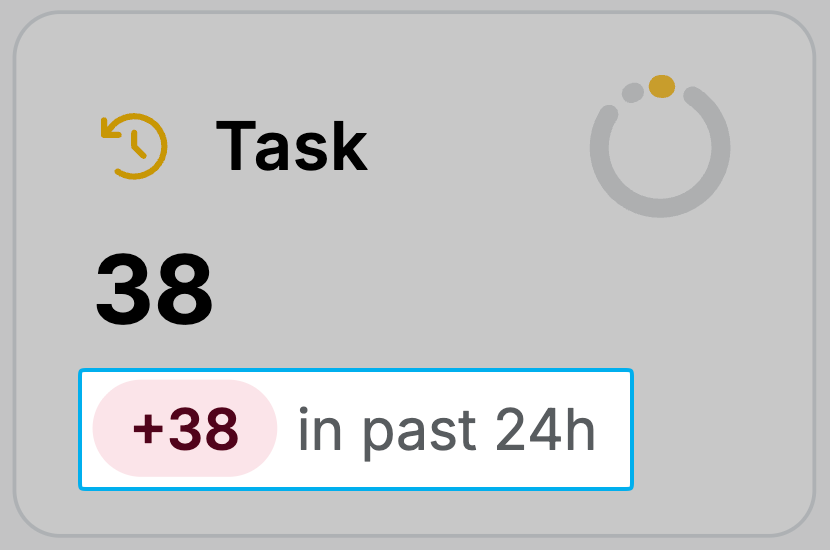
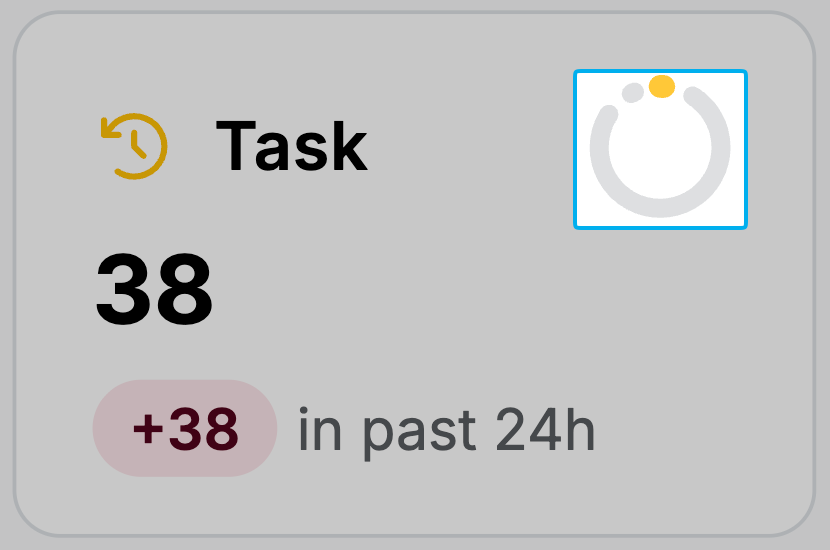
- an error ratio ring comparing errors to successful runs
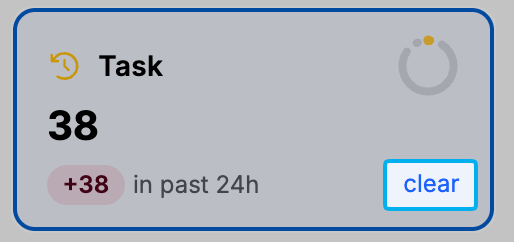
- when selected, a clear option to return to the default view
Task
Displays errors occurring in background tasks.API
Displays errors occurring in your APIs.Function
Displays errors occurring in your custom functions.Middleware
Displays errors occurring in middleware execution.Trigger
Displays errors occurring in triggers.Error Table
Below the header is a table displaying more detailed information about each error logged across the workspace. You can filter the columns to drill down to specific statements, stacks, or time periods. Use the search box to quickly locate specific errors or workflows.Accessing Error Logs for a Specific Workflow
Error Logs are available in the settings menu of most workflow types and provide quick access to:- Review of any errors that occurred via external calls within the chosen timeframe (24 hours, 7 days, 30 days, or all available)
- How many times the error occurred
- The statement that triggered the error(s)
- The ability to ignore future occurrences of the error, or mark it as fixed
1
Open the Error Logs panel
Click on the icon in the top right corner and choose
2
Filter and select an error to review
Use the options at the top to filter by time range or refresh if you’re waiting for a specific error to appear, then select the error you’d like to explore further from the list below.
3
Review the error information
Error codeThe standardized error message that identifies the error type.Error messageSome errors, such as those triggered by preconditions, can have custom messages attached, which will appear here.StatementThe statement that triggered the error.OccurrencesThe number of times the error occurred.First seenHow long ago the first occurrence happened.Last seenHow long since the most recent error of this type was logged.Error graphShows a graph view of the errors per hour.The error log also provides several actions you can take to manage errors:Ignore this errorMarks the error as ignored, which will cause it to be hidden by default and not appear in the New error count.Mark as fixedMarks the error as fixed. Any reappearances of this error will be flagged as a regression.Captured ErrorsProvides quick access to specific requests from the request history that showcase the error. You can review variable state, inputs, and outputs from here.
